
Klarna
Klarna is an innovative fintech platform that provides merchants with advanced payment integration tools, offering customers flexible financing options at checkout to drive sales and enhance brand loyalty.
Features
| Feature name | Supported | |
|---|---|---|
| Column Hashing | True | Field level |
| Blocking | True | Field level |
| Incremental | True | Table level |
| Custom data | False | |
| History | False | |
| ReSync | True | Table level |
| Templates | False |
Setup Guide - ELT
Step 1 - Create API Key
- In your Klarna Merchant Portal
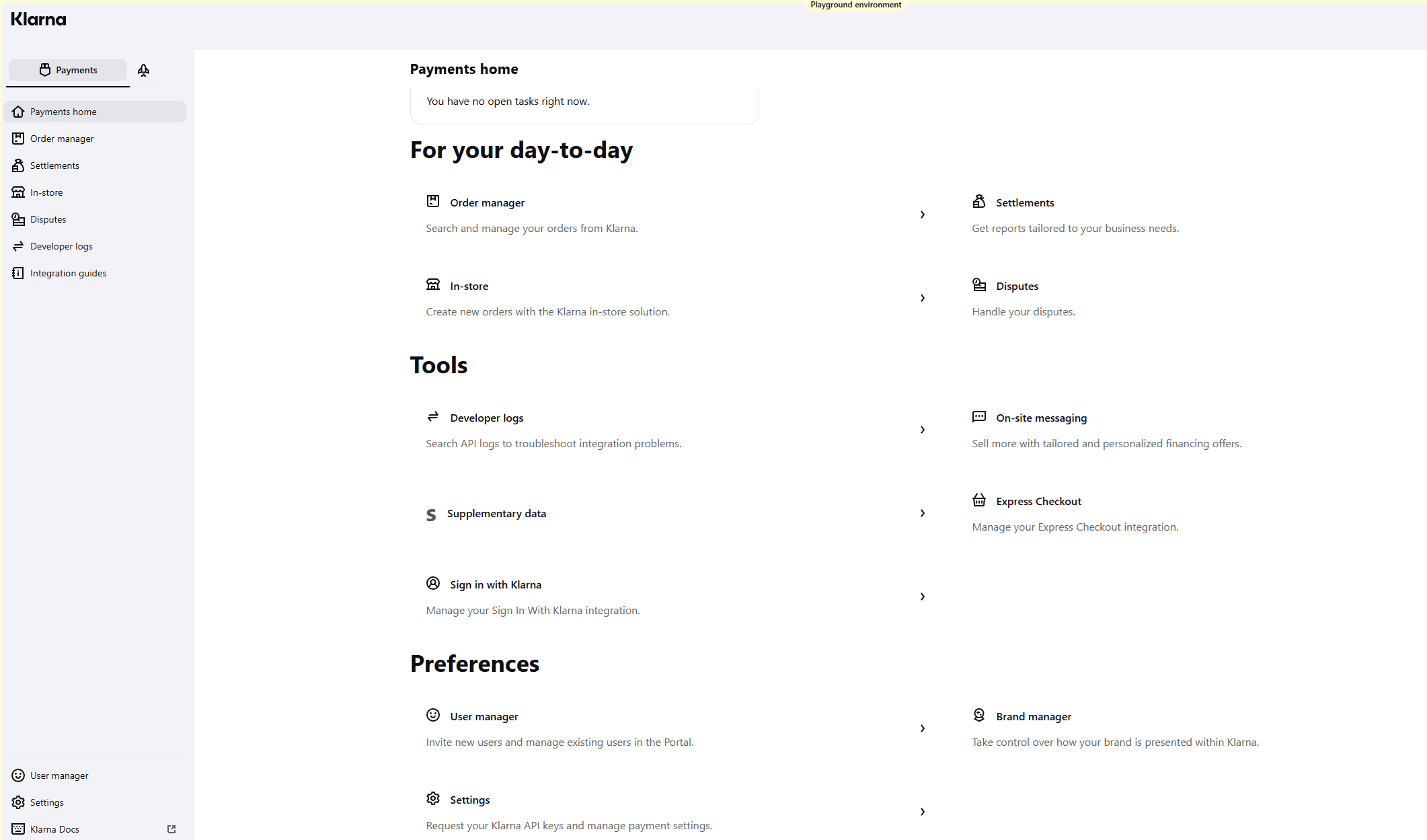
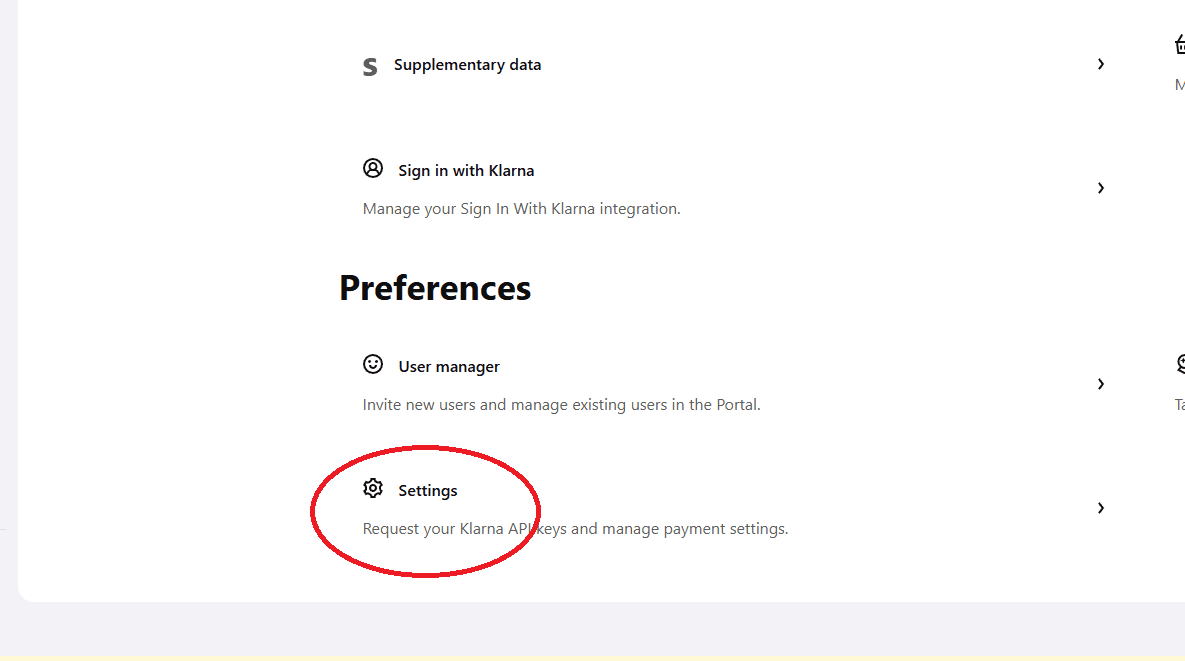
- Click on Settings
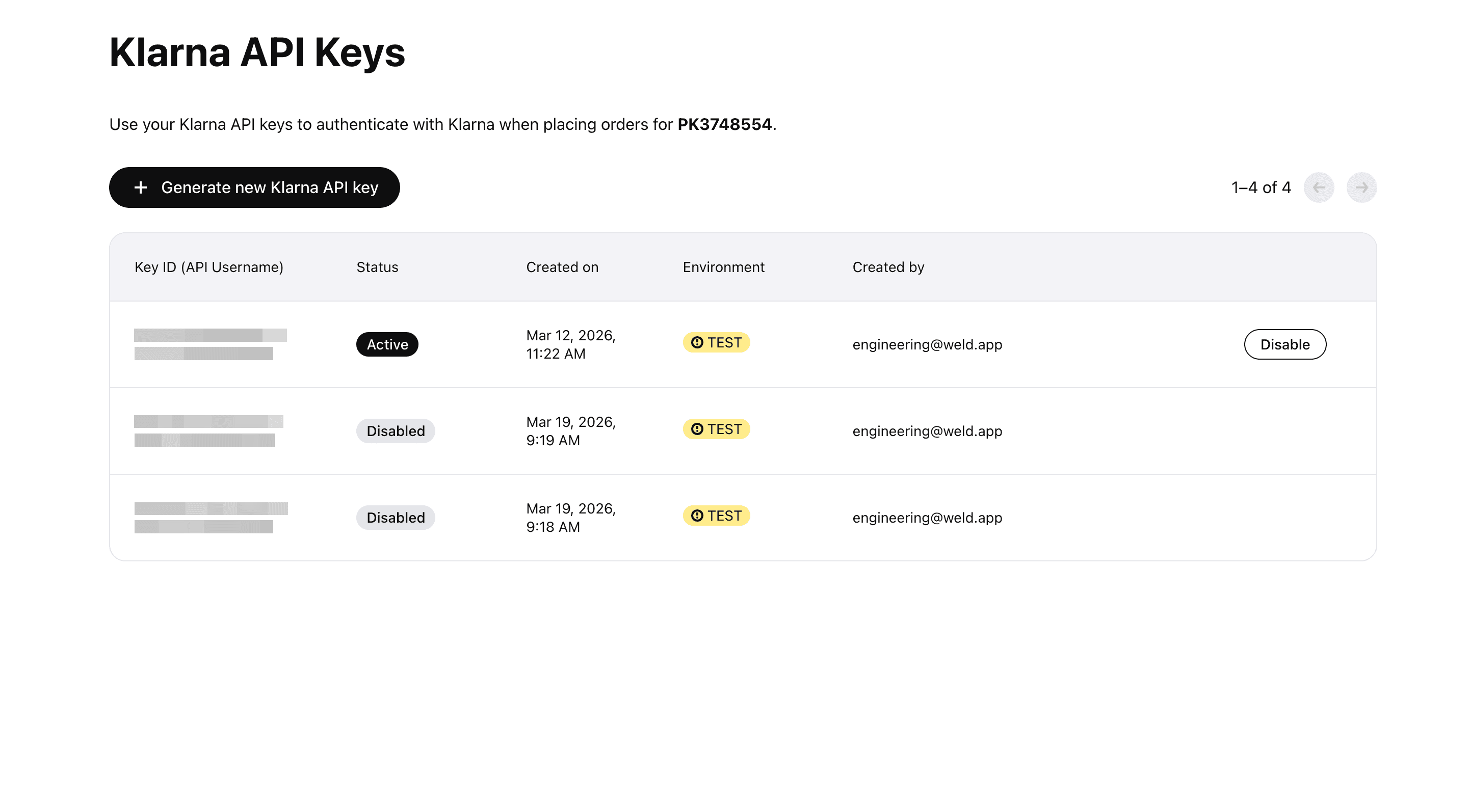
- Click on Generate New Klarna API key
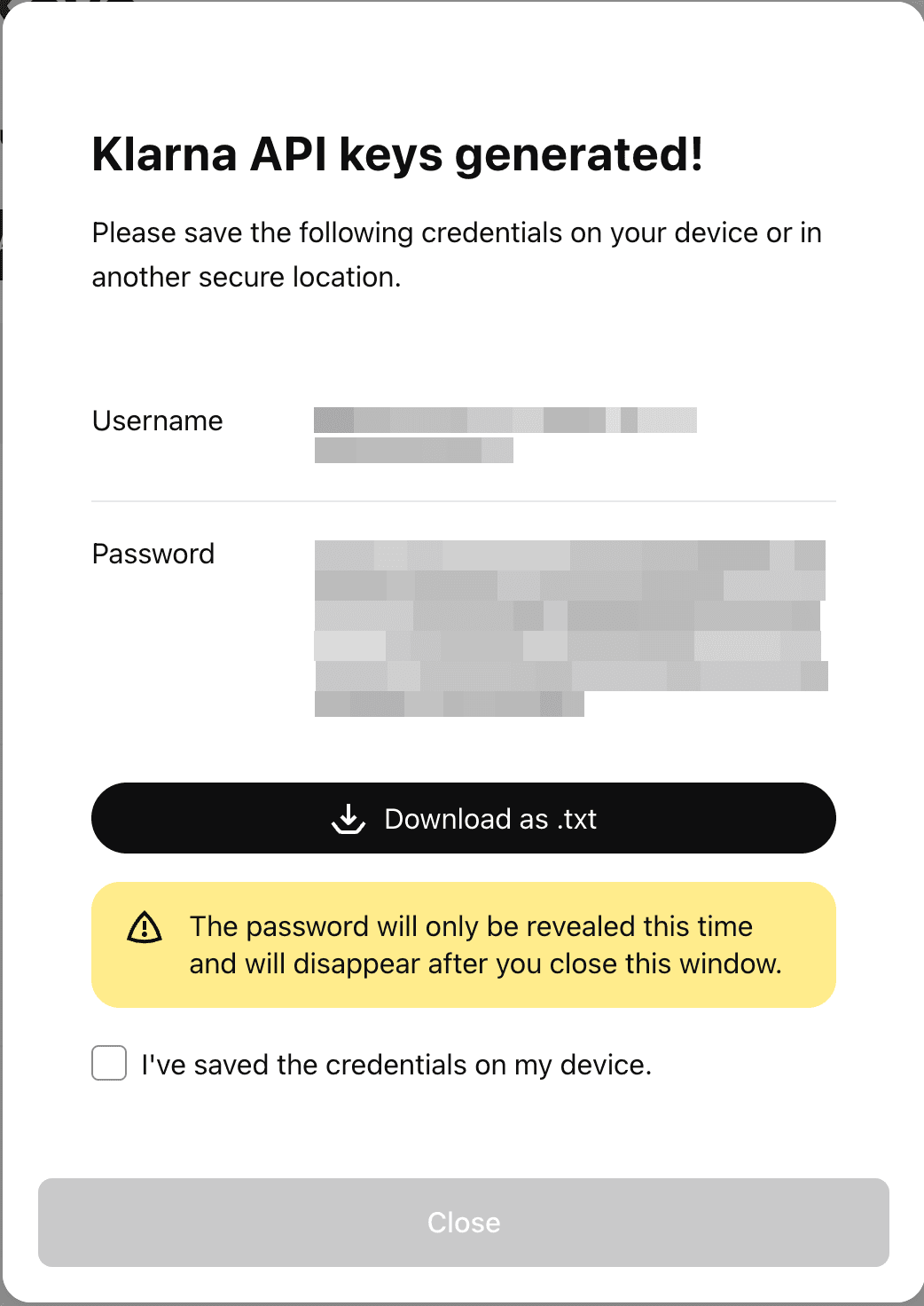
- Copy the Password for the Weld Integration
Step 2 - Finalize Weld Integration
- On the Weld App enter a Schema Name
- Enter the Klarna API key password you created
- Select the region
- Click Connect
Step 3 - Data To Sync
- Select the pre-built reports you wish to include in the sync.
You can view the schema, remove columns or hash sensitive information.
Step 4 - Configure Sync
- Select how often you would like the data to sync.
- Provide a unique destination table name.
Weld will take over from here and commence syncing data from your Klarna account.