
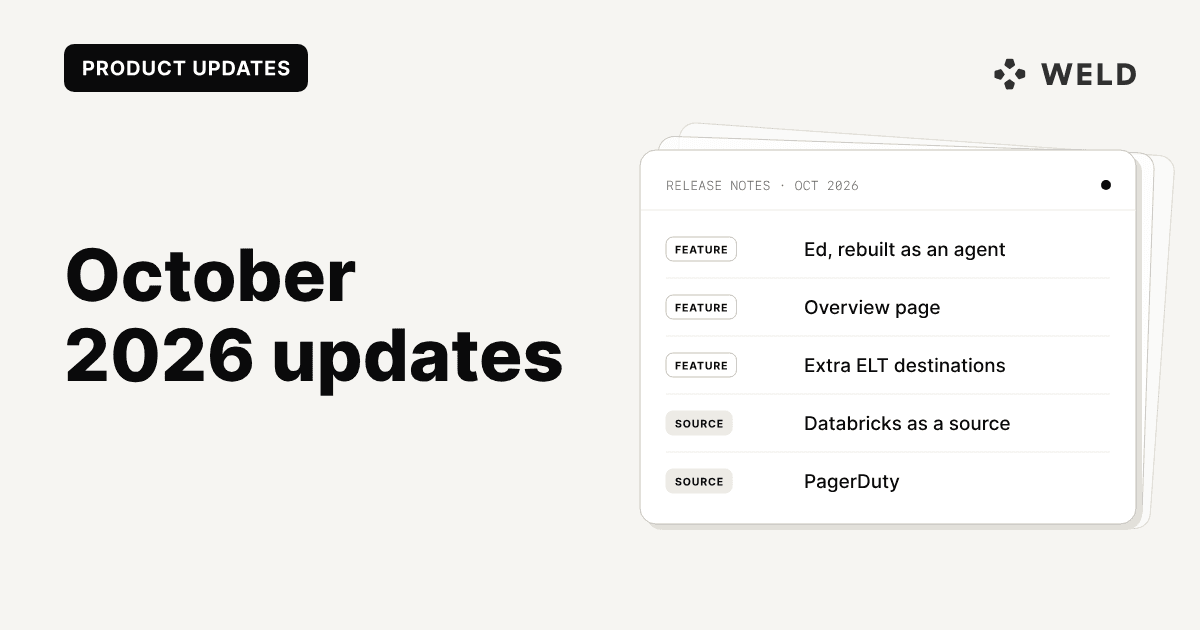
October was about agents, and about seeing your workspace at a glance. Ed has been rebuilt as an agent on the same tools as the Weld MCP server, so it finds your tables, checks its SQL against your warehouse and fixes its own errors before you see a query. A new Overview page is now the first thing you see in Weld: what needs your attention, and what changed since your last visit. And one sync can now load into several destinations at once, so the same tables can land in your warehouse and a second database or bucket.
We also added five new sources: PagerDuty, Sprout Social, Sona, Google Cloud Storage, and Databricks, which now works as a source as well as a destination. Workday Financial Management grew from two tables to 85.
Weld also picked up 28 badges in G2's Fall 2026 reports, including Momentum Leader in three categories.
Here's everything new and improved in Weld this month.
New Features
A More Capable Ed
Ed, the AI agent in Weld's model editor, used to answer from a snapshot of the tables you picked before you asked. It now works through the same tools as the Weld MCP server, so it can look things up as it goes:
- It finds the data itself. Ed searches your synced tables and existing models and reads their columns, so it writes queries against what is actually in your warehouse.
- It checks its own SQL. Every proposal is validated against your warehouse first. If the check fails, Ed reads the error and fixes it, so suggestions run the first time.
- It can look at the data. When it needs to, Ed runs read-only queries, for example to see which values a column holds. It never changes data in your warehouse.
- Apply and undo. A suggested query is applied to the open tab in one click and undone just as easily, and Fix with Ed on a failed query sends the error straight to Ed.
- Conversations are saved, so you can pick one up later.
- Prompts are processed in the EU, whichever model answers.
You can also start from an empty editor: type your question under What would you like to query?, or pick Explore with Ed next to one of your synced sources, and Ed opens a new draft. Ed is available to users with permission to run queries.
We walked through one request from start to finish, linking Intercom contacts to HubSpot contacts, in Use agents in your Weld workspace.
Overview: A New Landing Page for Your Workspace
The new Overview page is the first thing you see when you open Weld. It answers two questions: what needs my attention, and what has happened since I was last here.
- Needs attention. Failing syncs, locked tables, and connections that need to be reauthorized are listed at the top, each linking straight to the fix. When everything is healthy, the page says so.
- What's new since your last visit. An activity feed shows what changed across the workspace, with new entries marked: data sources and tables added, models created, changed, or published, orchestration runs, connections set up, and more. Each entry shows who made the change, and model changes open as a diff.
- Filters narrow the feed by area or by person.
- Getting started. New workspaces get a short checklist that walks them through connecting a first data source and modeling their data.
The previous Activity page now redirects to the Overview.
Load One Sync Into Several Destinations
A data source sync can now load into extra ELT destinations alongside your data warehouse, for example the same tables into your warehouse and a second Snowflake database, or into an S3 bucket or Iceberg.
Add a destination once and give it a label. One connection can back several destinations, for example one per Snowflake database. Snowflake, PostgreSQL, Redshift, Microsoft SQL Server, and MotherDuck destinations let you pick the database, while BigQuery, ClickHouse, Databricks, Iceberg, and S3 land data under the sync's schema name. You can mark a destination to be added to every new sync automatically, and manage destinations through the Weld Connect API and MCP server too.
When you set up or edit a sync, Also load into lists your destinations, and each one can take its own schema name:
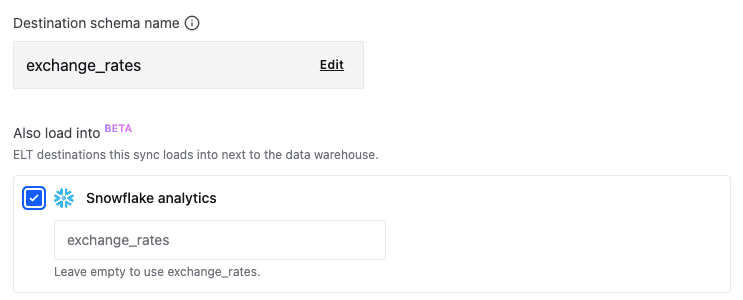
Extra destinations are available on the Business and Enterprise plans, and during a free trial.
Model Clean-Up for BigQuery and Snowflake (Beta)
BigQuery and Snowflake workspaces can now find published models that no warehouse query has read in 90 days. Find unused models lists each one with its type, last read time, and warehouse path. A model also counts as used when a model that depends on it is used, at any depth, and an Unused / In use toggle shows why each model in use is kept.
From the list you can delete models in dependency order, or copy an AI review prompt for the Weld MCP server so an agent can double-check a model before anything is removed. In GitHub mode, models tracked by a repo file are marked with a GitHub icon and kept out of deletes, since only the repo can remove them.
Model clean-up is rolling out gradually to BigQuery and Snowflake workspaces.
Turn Off Raw Views
If you model your synced tables outside Weld, you can now turn off raw views. A Create raw views toggle sits under Advanced when you configure a data warehouse, and a matching toggle in the warehouse settings turns them off later. Existing views stay in place but stop updating, and turning the setting back on recreates each view the next time its table syncs.
Bulk Pause, Resume, and Delete
You can now select several data source or Reverse ETL syncs and pause, resume, or delete them together. Delete lists the selected syncs and which of them are active before anything is removed, and changing a filter clears the selection, so rows you can't see are never acted on.
Weld Connect API and MCP Server
- Notifications. The Weld Connect API can list, fetch, and remove account notifications, and the MCP server has matching
list_notifications,get_notification, andremove_notificationtools. Removing a notification that locks a table lifts the lock, as in the app. - Create a connection. A new
create_connectiontool mints an authorization link for a new connection, so an agent can hand you a link to finish setting it up in your browser. - Sub-tables. Agents can now exclude a table's sub-tables, such as HubSpot's
deal_company, and see which sub-tables are retired and what replaced them.
New Connectors
PagerDuty
PagerDuty is now available as a source, syncing 34 tables from the incident management platform: incidents with their assignments, notes, and custom field values, services, escalation policies, schedules, on-calls, teams, users, change events, audit logs, and daily per-service incident analytics. The main event tables sync incrementally.
Connections authenticate with a REST API key, created under Integrations > API Access Keys in PagerDuty.
Sprout Social
Sprout Social is now available as a source, syncing cases, messages, profiles, tags, groups, and users from the social media management platform.
6 total changes
| Table/column | Change type | Notes |
|---|---|---|
cases | New table | Incremental on updated_time. |
message | New table | Incremental on created_time, read per group. |
profile | New table | |
tag | New table | |
group | New table | |
user | New table |
Connections authenticate with an API token from Settings > Global Features > API > API Token Management in Sprout Social.
Explore Sprout Social documentation → · View Sprout Social data schema →
Sona
Sona is now available as a source for workforce management data, syncing 17 tables across shifts and pay, absences, people and employment periods, org units, metrics, and reference data such as contract types, jobs, and rates of pay. Combine it with your finance and HR data to report on staffing levels, hours, and payroll cost.
Explore Sona documentation → · View Sona data schema →
Databricks as a Source
Databricks Unity Catalog is now available as a source as well as a destination. Pick a catalog, and tables are named catalog.schema.table, views included, so dbt's default view models show up alongside regular tables. Incremental syncs use a pointer column you choose and merge rows when the table has a primary key, the same model as the Snowflake source.
The Databricks connection form, shared by source and destination, is now one form each for AWS, Azure, and GCP.
Explore Databricks documentation → · View Databricks data schema →
Google Cloud Storage
Google Cloud Storage is now available as a source, syncing files from a bucket with the same file types and settings as the AWS S3 source. Connect with your own service account key, or grant a Weld-managed service account Storage Object Viewer on the bucket.
Explore Google Cloud Storage documentation → · View Google Cloud Storage data schema →
Connector Updates
Workday Financial Management: 85 Tables
Workday Financial Management launched in September with purchase orders and receipts. It now syncs 85 tables: the general ledger, supplier and customer invoices, contracts, purchase orders, revenue recognition, inventory, and the reference data that ties them together. That's enough to build a trial balance, follow payables and receivables, and compare committed spend with budget, next to your CRM and billing data.
Microsoft SQL Server: Extra Cursor Columns
Microsoft SQL Server incremental tables can now name extra cursor columns alongside the primary one. Weld reads rows where any cursor has moved, so a row where only a secondary timestamp changes, such as call_ended on a table whose cursor is call_started, is no longer missed.
NetSuite: Custom Fields on Transactions
NetSuite transaction and transactionline now sync each account's own custom fields: custbody_* fields on transaction, custcol_* fields on transactionline, and custom segments (cseg_*) on both. Weld looks up the fields your account actually has, instead of every account syncing the same fixed column list.
Gorgias: Voice Calls
Gorgias now has voice_call and voice_call_event tables, so you can report on unanswered call rate, average wait time, and SLA percentage. voice_call holds each call's outcome, wait time, and duration, and voice_call_event holds events such as phone-call-enqueued and phone-call-answered.
GoHighLevel: Incremental Contacts and Opportunities, and Pipeline Stages
GoHighLevel contact and opportunity now sync incrementally on each record's update date, instead of reading the whole account on every run. A weekly full sync still runs to drop deleted records. A new pipeline_stage subtable also lets opportunities and contacts join directly to a stage's name, color, and win probability.
Facebook Ads: Monthly Cumulative Reach by Country
Facebook Ads has a new monthly_cumulative_reach_by_country table, breaking deduplicated reach, impressions, frequency, and spend down by country for each monthly window. Meta only returns reach with breakdowns for windows opening within the last 13 months, so the table covers that range.
Additional Connector Updates
- HubSpot: A new
coursetable syncs HubSpot's Courses object with its company, contact, deal, engagement, and ticket associations. - SendGrid: A new
legacy_recipienttable syncs the entire Legacy Marketing Campaigns contact database, including recipients that aren't on any list or segment. - Grin:
contact_tagnow syncs as a subtable ofcontact, so each tag links to its contact. If you hadcontact_tagenabled as its own table, re-enable it undercontact. - MotherDuck: Nullable timestamp, double, and long columns are now created with the right type instead of
VARCHAR.
Platform Improvements
Views Over a Changed Model Rebuild Automatically
On Snowflake, Postgres, Microsoft SQL Server, ClickHouse, and MotherDuck, a SELECT * view fixes its column list when it's created, so it fails once the model it reads changes its columns. Weld now rebuilds those views automatically whenever the model changes, whether the change comes from GitHub, the editor, the API or MCP server, or a scheduled run. On Snowflake, the rebuild keeps the grants your BI tools depend on.
Bug Fixes
- Shopify product metafields:
product_metafieldonly re-read metafields for products whoseupdated_atmoved, and writing a metafield doesn't move it, so changed values could go stale. Every product's metafields are now read on every run. Affected tables need one full sync to pick up values missed before the fix. - MCP sub-table exclusions: Updating a table through the MCP server without
excluded_substreamscould silently replace its exclusions. They now stay unchanged. - Model editor on mobile: The editor no longer overflows the screen and clips the + tab button.
On the Blog
Weld Earns 28 G2 Badges in Fall 2026
G2's Fall 2026 reports are out, and Weld picked up 28 badges across six categories, including Momentum Leader in ETL Tools, Big Data Integration Platforms, and Data Exchange Platforms, as well as Fastest Implementation, Best Estimated ROI, and Easiest To Do Business With. The post covers what stood out, what customers said on G2, and what we shipped this quarter.
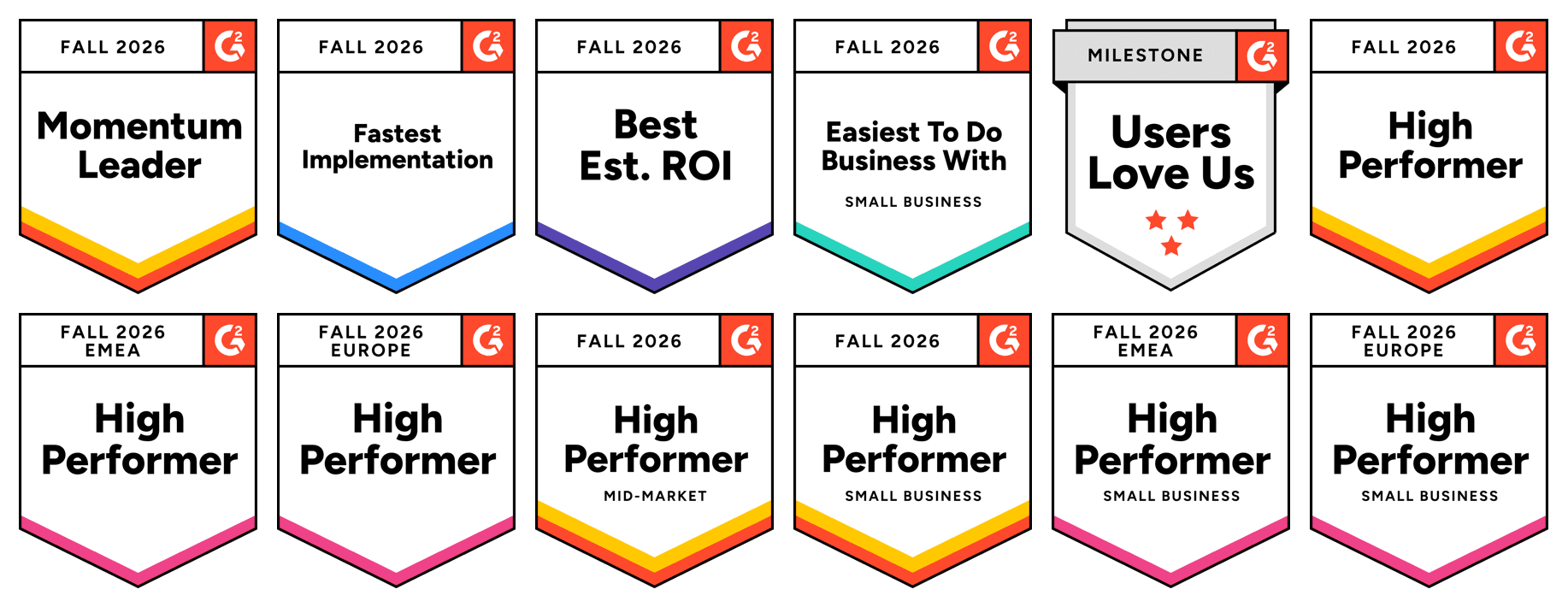
Thank you to everyone who left us a review.
GitHub Sync: Manage Your Weld SQL Models as Code
Your Weld SQL models can live in a GitHub repository, with pull requests, review, and history for every change. Push .sql files to a branch and Weld keeps your models in step, while scheduling, orchestration, lineage, and Reverse ETL carry on as before. It also means anything that can open a pull request can change a model, including agents like Claude Code or Cursor.
MCP Servers for Your Data Warehouse, Compared
What can the Snowflake, BigQuery, dbt, and Weld MCP servers actually do? We ran all four on three real tasks, with setup and permissions for each.
SCD Type 2 in SQL
SCD Type 2 in SQL builds slowly changing dimensions with a tested MERGE for BigQuery, Snowflake, and Postgres or a dbt snapshot, and covers deletes, late rows, and as-of queries, plus where Weld's history tables do the work for you.
How to Migrate From dbt Cloud to dbt Core
Moving a dbt project from dbt Cloud to self-hosted dbt Core: what you lose, what it costs, GitHub Actions jobs, Slim CI, docs, and a safe cutover.
That's a wrap for October! For the full technical details, check out the October 2026 release notes.
Questions or feedback? Reach out to us anytime.