
Sync PayPal Data to your Warehouse
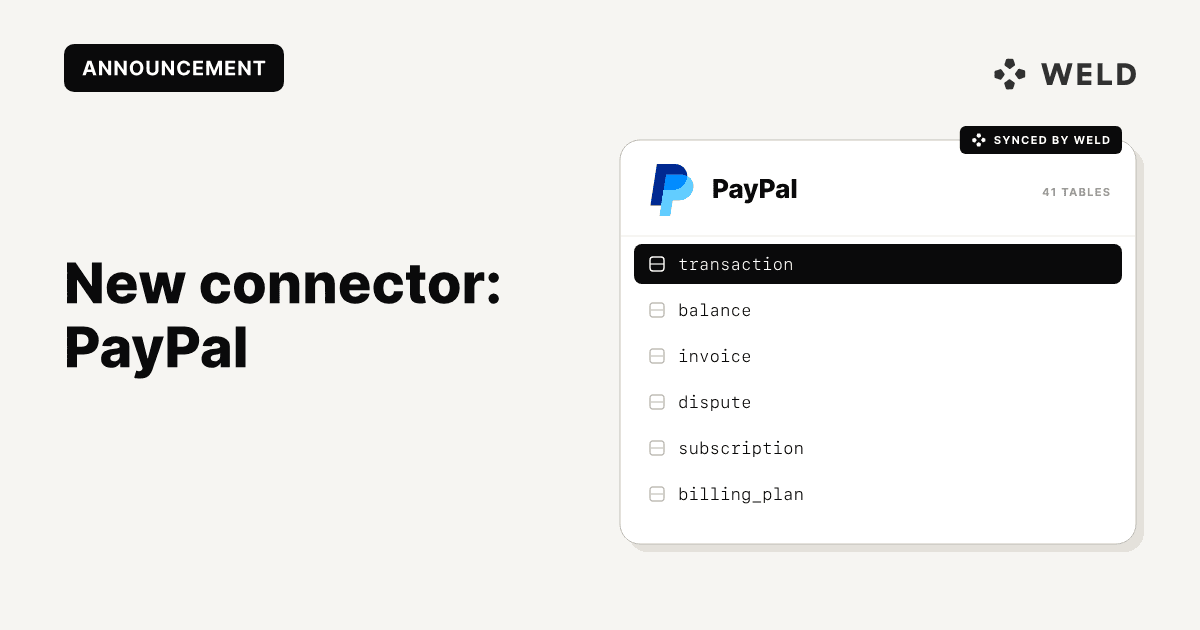
We’re very happy to announce the launch of our newest connector: PayPal! With Weld, you can now sync your PayPal data directly into your data warehouse, making it easy to analyze your payment transactions and financial performance.
This connector gives you reliable, automated access to payment data so your finance, accounting, and data teams can stop working in silos and start making faster, data-driven decisions.
Why connect PayPal to your data warehouse?
PayPal is great at showing how your online payment transactions contribute to your business performance. But when that data lives only inside PayPal’s interface, it’s hard to combine with the rest of your financial and business data.
By syncing PayPal to your warehouse, you can:
- Analyze PayPal performance alongside data from other payment processors and financial systems
- Build unified dashboards across your full financial ecosystem
- Enable deeper historical analysis
- Give analysts and stakeholders self-serve access to payment data
Connector features
| Feature | Support Level |
|---|---|
| Hashing | Field level |
| Incremental | Table level |
| Custom Data | No |
| History | Table level |
| Re-sync | Table level |
What data can I get from PayPal?
balancebilling plandisputeinvoicesubscriptiontransaction
How to set it up
In just a few clicks, you can set up the PayPal connector and start syncing your data to your warehouse!
Step 1: Get your Client ID and Secret
- Log in to your PayPal Developer dashboard.
- Navigate to “My Apps & Credentials” in the dashboard.
- Choose the appropriate environment (Sandbox for testing or Production/Live for real payments).
- Create the App.
- Make sure that the type is "Merchant" and create.
- Pick any number of the following settings: Customer disputes, Transaction search, Subscriptions, Invoicing.
- Find and copy your Client ID and Secret.
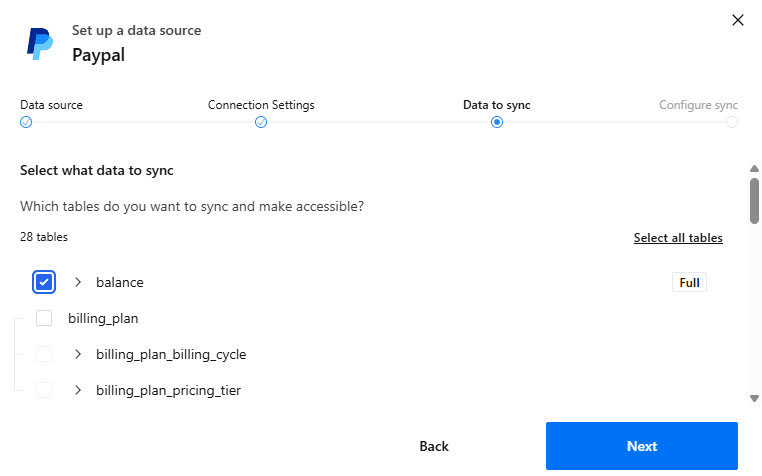
Step 2: Select data to sync
- Choose which PayPal data tables you want to sync.
- Review the table schema and optionally:
- Remove columns
- Hash sensitive fields
- Select history tables if needed.
- Configure available tables for incremental or full sync.
Step 3: Configure the sync
- Choose how often the data should sync.
- Optionally limit the synced data by selecting a start date.
How does Weld work?
After setting up the PayPal connector, Weld extracts data from PayPal on a set schedule, then syncs it directly into your data warehouse. From there, you can connect it with other data sources and start analyzing your payment data alongside the rest of your business data.
How can I use my PayPal data?
Once your PayPal data is in your warehouse, you can move beyond platform-level reporting and start answering real business questions.
Common use cases include:
- Conversion tracking from ads to payments
- If joined with CRM data, you can analyze customer lifetime value and churn.
- Build unified financial dashboards across all your payment processors and financial systems.
Get started
Ready to get started?
Set up the PayPal connector in Weld today!