Sync Amazon Attribution Data to your Warehouse
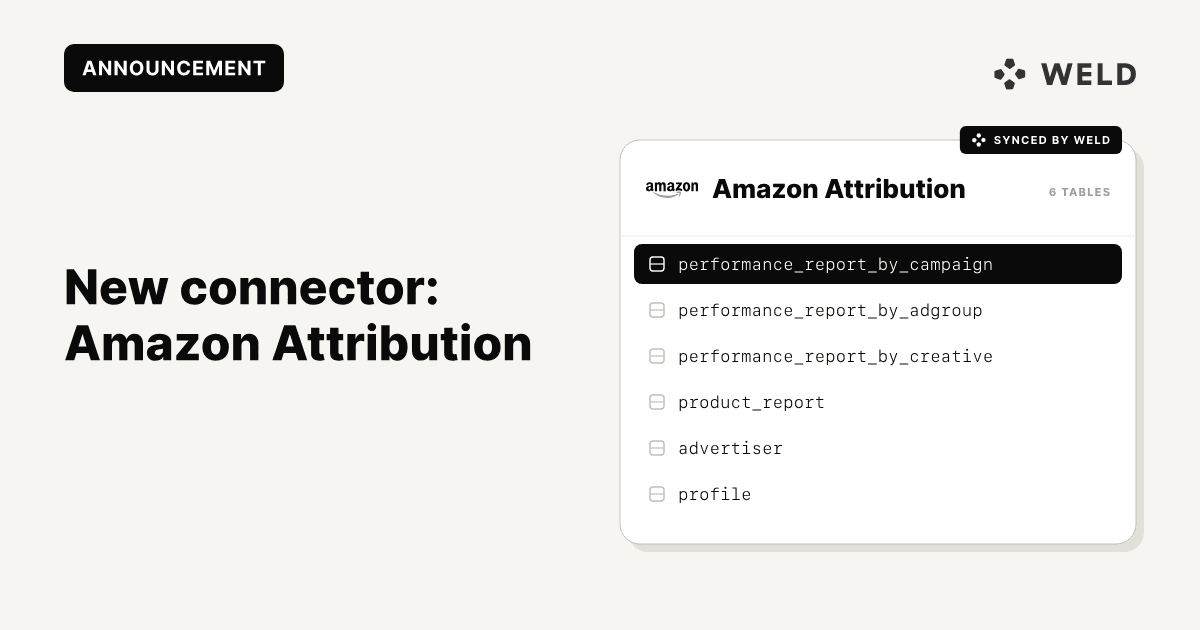
We’re very happy to announce the launch of our newest connector: Amazon Attribution! With Weld, you can now sync your Amazon Attribution data directly into your data warehouse, making it easy to analyze how your off-Amazon marketing efforts drive performance on Amazon.
This connector gives you reliable, automated access to attribution metrics so your marketing, analytics, and data teams can stop working in silos and start making faster, data-driven decisions.
Why connect Amazon Attribution to your data warehouse?
Amazon Attribution is great at showing how your non-Amazon marketing channels such as paid search, social, display, email, and influencer campaigns contribute to Amazon conversions. But when that data lives only inside Amazon’s interface, it’s hard to combine with the rest of your marketing and business data.
By syncing Amazon Attribution to your warehouse, you can:
- Analyze Amazon performance alongside data from Google Ads, Meta, TikTok, and other channels
- Build unified dashboards across your full funnel
- Track cross-channel ROI and incremental lift
- Enable deeper historical analysis and custom reporting
- Give analysts and stakeholders self-serve access to attribution data
Connector features
| Feature name | Supported | |
|---|---|---|
| Column Hashing | True | Column level |
| Blocking | True | Column level |
| Incremental | True | Merge, Append |
| Custom data | False | |
| History | False | |
| ReSync | True | Table level |
| Templates | False |
What data can i get from Amazon Attribution?
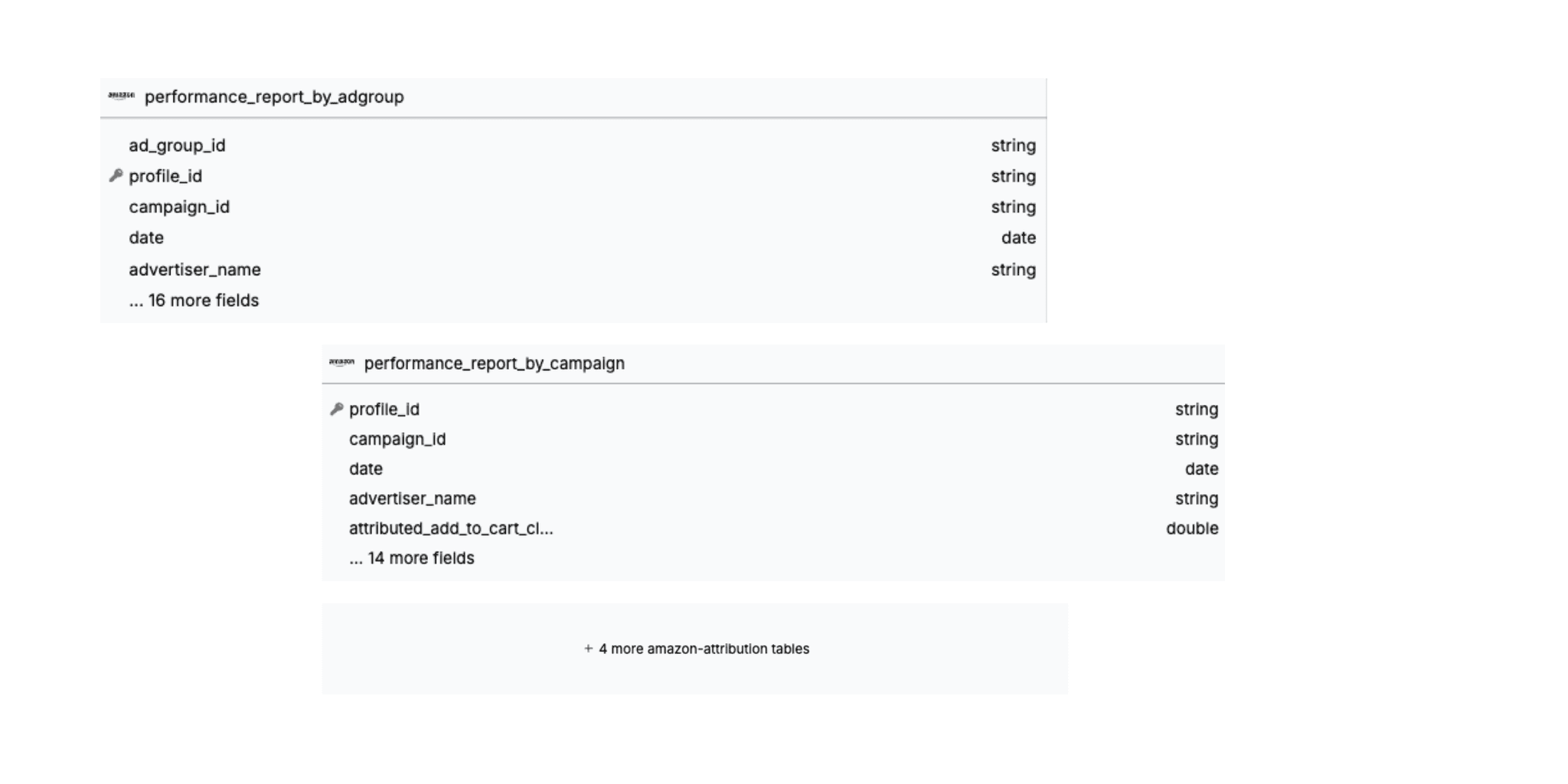
orderperformance_report_by_campaignperformance_report_by_creativeproduct_reportadvertiserperformance_report_by_adgroup
Schema
How to set it up
Step 1 - Begin Configuration
- In the connector setup form, enter the destination schema name of your choice. This name will be used to identify the connection in future syncs.
- Select the Region: Select the geographic region of your Amazon advertising account. This ensures data is pulled from the correct Amazon marketplace.
- Click Authorize to allow Weld to access your Amazon Attribution.
Step 2 - Connection Settings
- Log in to your Amazon Attribution account. To grant access to the Amazon application, select Allow. This will redirect you back to the connector setup form.
Step 3 - Data To Sync
- Select the pre-built reports you wish to include in the sync. You can view the schema, remove columns or hash sensitive information.
Step 4 - Configure sync
- Select how often you would like the data to sync.
- Provide a unique destination table name.
Weld will take over from here and commence syncing data from your Amazon Attribution account.
How does Weld work?
After setting up the Amazon Attribution connector, Weld extracts data from Amazon Attribution on a set schedule, then syncs it directly into your data warehouse.
How can i use my Amazon Attribution Data?
Once your Amazon Ads and Amazon Attribution data are in your warehouse, you can move beyond platform-level reporting and start answering real business questions.
Common use cases include:
- Create consistent KPIs and dashboards across all ad platforms using your BI tool of choice.
- Understand the full customer journey by connecting Amazon Attribution with Amazon Ads and other marketing data.
- Optimize campaigns faster by identifying top-performing keywords, campaigns, and creatives by combining Amazon Ads data with attribution, cost, and conversion metrics.
Get started
Ready to get started?
Set up the Amazon Attribution connector in Weld today!