Weld MCP Server: Let Claude Manage Your Data Pipeline
Your data warehouse holds all the answers. Getting them usually means writing SQL, building a dashboard, or collaborating with a colleague. The Weld MCP skips all of that: just ask Claude!
This post shows what that actually looks like, using Claude Desktop as the example assistant.
What's the Weld MCP, and Why all the hype?
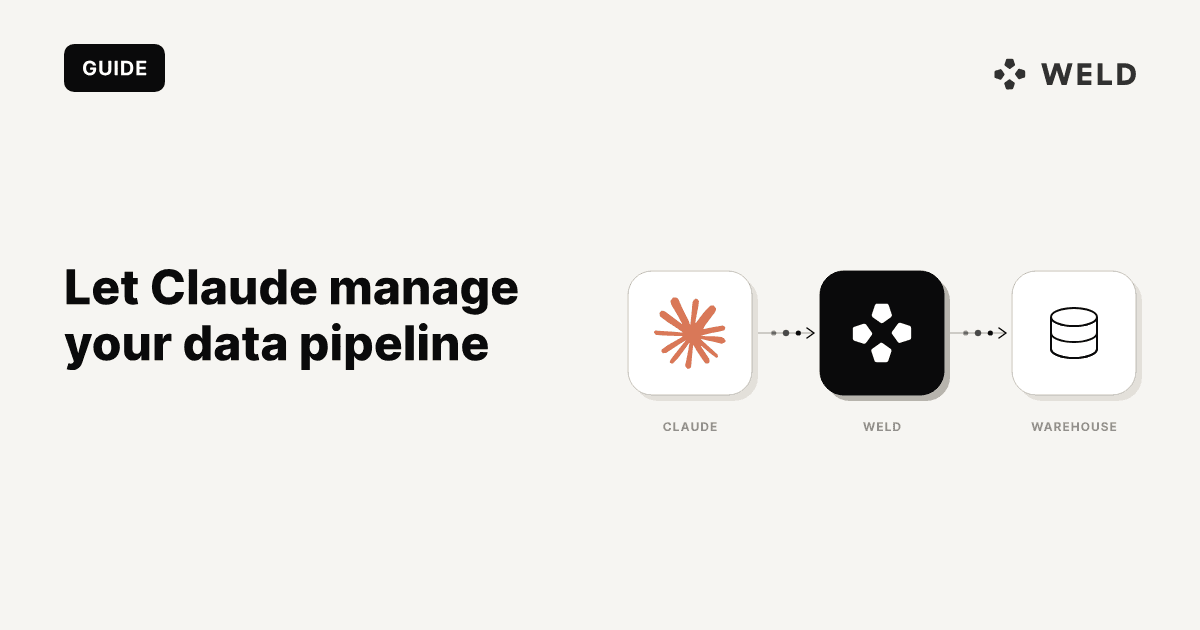
The Weld MCP connects the AI assistant you already use to your Weld workspace, your data warehouse and ELT pipelines. That means you can continue performing your usual workflow like querying the latest insights, building new data models, and debugging pipelines all agentically in your preferred work style.
No new dashboard to learn, no SQL editor, no context switching. Just prompt your assistant and let it handle the rest. Connect your favourite assistant across Claude, Cursor, GitHub Copilot and Windsurf.
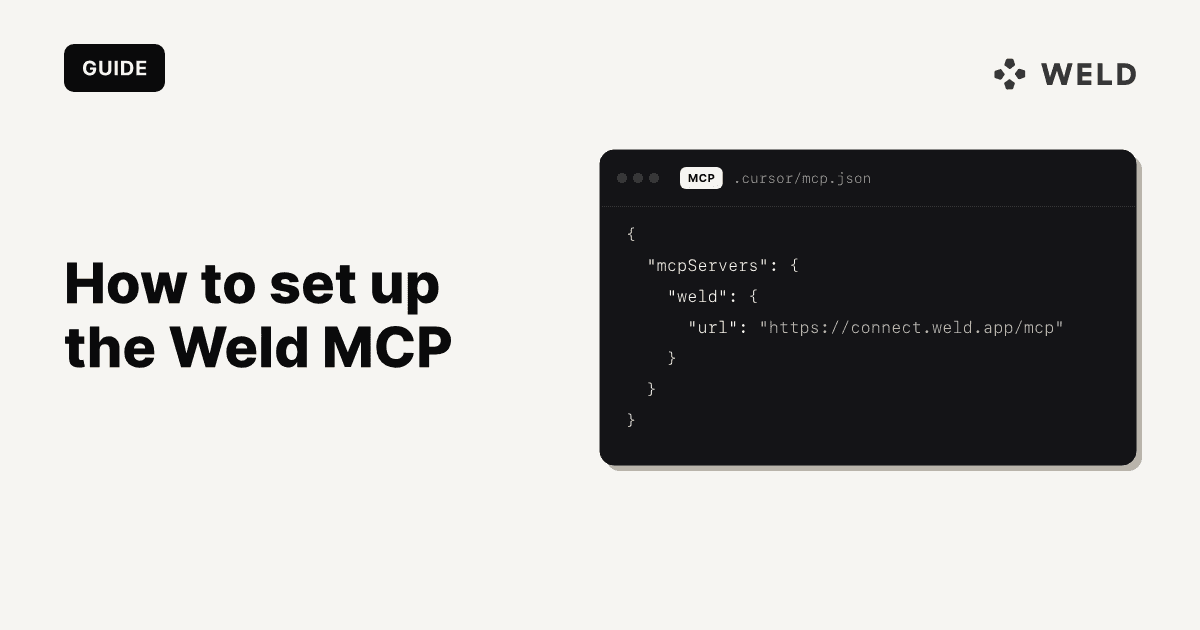
Not connected yet? Here's how to set up the Weld MCP →.
What can you do with the Weld MCP?
It's really as simple as "type a message, get an answer." Here's the whole loop in two steps.
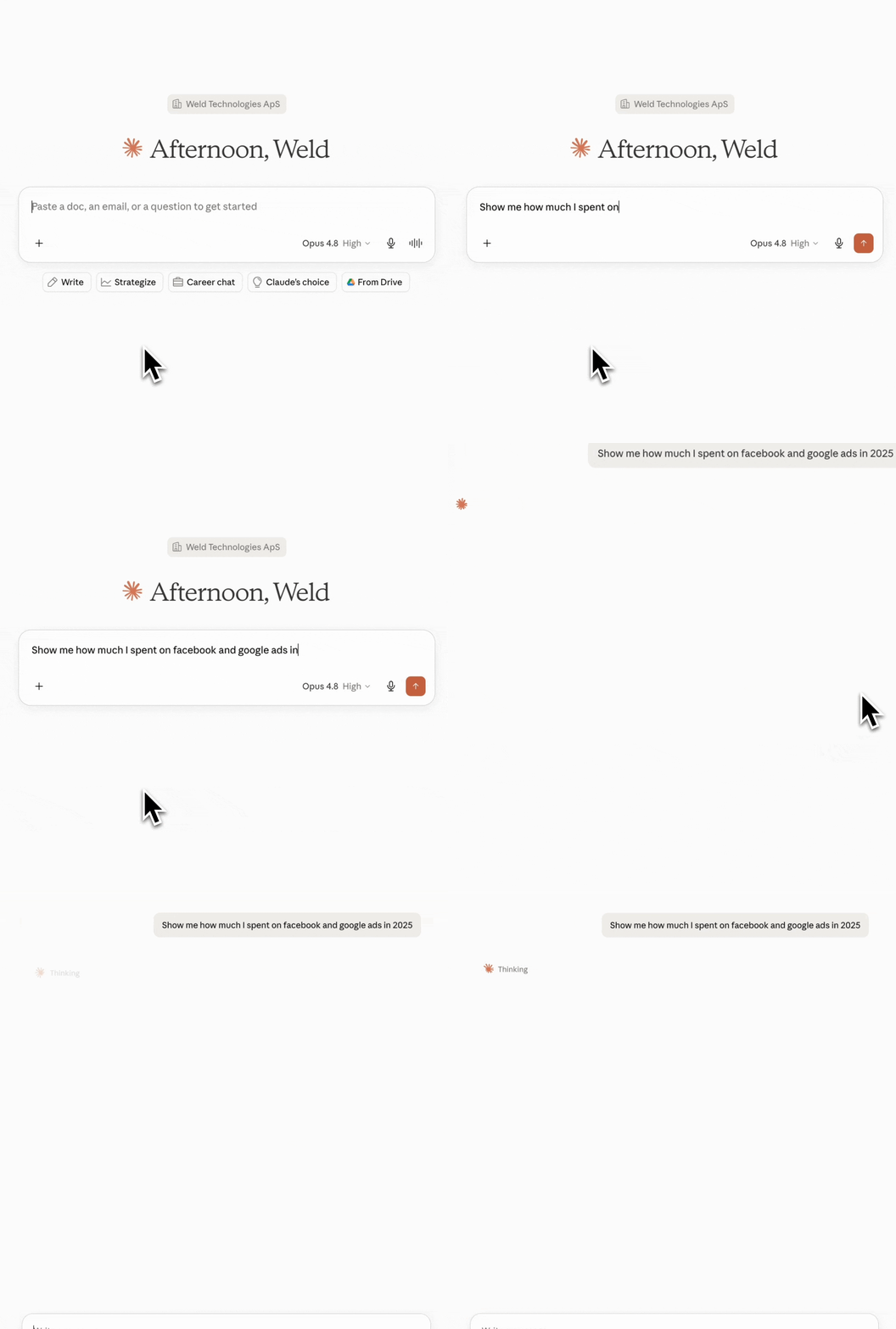
1. Use your favourite tool, just send a prompt
Once the MCP is connected, your Weld workspace becomes something you can talk to like any other chat. Just continue in the familiar interface: open Claude and ask a something that comes to mind.
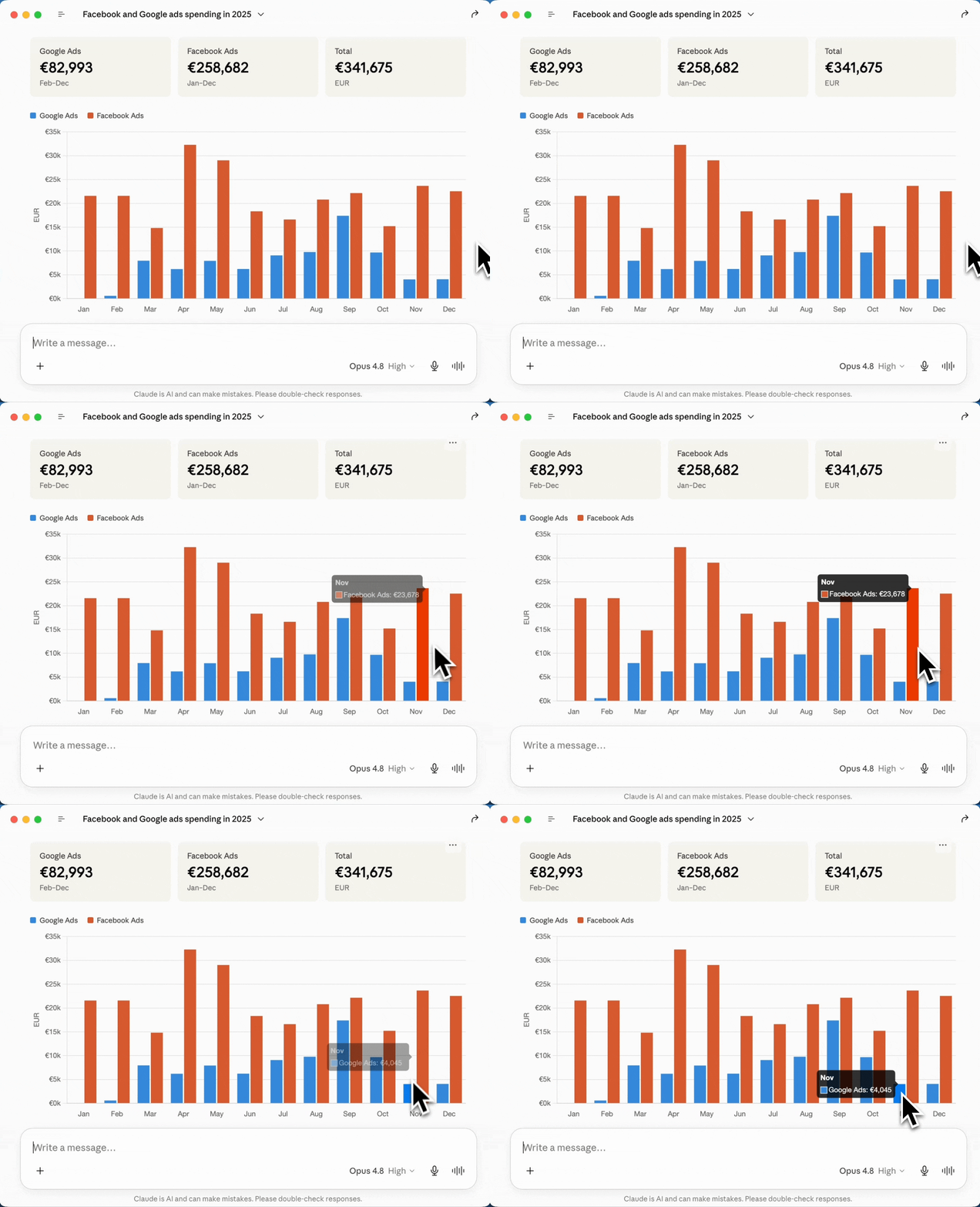
2. Get a custom response, then keep chatting
Behind the scenes, Claude figures out which Weld tools to call, runs them against your warehouse and pipelines, and brings back a tailored answer. And because it's a conversation, you can keep following up since your assistant doesn't get tired of your questions. However, do keep track of your tokens!
Case study: an e-commerce shop, end to end
Here's an example: an online shop that runs its business on Weld. Their orders flow in from Shopify, their ad spend from Facebook Ads, and their payments from Stripe, all syncing into one warehouse.
The marketing lead has a simple question: "Where did last week's revenue actually come from, and what did we spend to get it?" Normally that's a hunt across many different tools. With the Weld MCP, it's one message to Claude.
Querying the warehouse
They ask Claude in plain language, and it queries the warehouse and ELT pipelines directly, joining orders, spend, and payments without anyone touching SQL.
Other examples clients use
Here are a few common exchanges teams reach for, each one a single message that used to be an afternoon of work.
Building a model on the go
The question: "Create a published view called
active_customersfor everyone who placed an order in the last 90 days."
Claude writes the SQL, creates the transform, and publishes it straight to your warehouse, ready for the rest of your stack to use.
The takeaway: new data models go from idea to live table in a single sentence, with no context switch into a SQL editor.
Tracking down a specific sync
The question: "Show me the last 10 runs for the payments stream in my Stripe sync."
Claude pulls the run history for exactly that stream, so you can see at a glance whether the latest data made it through and how the stream has behaved over time.
The takeaway: you get a precise answer to a precise question, without clicking through screens to find the one sync you care about.
Debugging a broken pipeline
The question: "Which of my syncs are failing right now, and what are the errors?"
Claude checks every connection, surfaces the ones that are broken, and hands back the exact error and the last time each synced successfully, so you know whether a credential expired overnight or a source changed its schema.
The takeaway: you spot and diagnose pipeline issues the moment you sit down, instead of finding out when a dashboard looks wrong.
New workflow paradigm
This isn't just a faster dashboard. For the first time, the entire workflow, from raw data to answer to action, collapses into a conversation.
There's never been a moment where an all-in-one solution like this exists: one that plugs directly into the tools your familiar with, with no custom software to build, no integration layer to maintain, and no new platform to learn. You connect once, and your data warehouse becomes something you simply talk to.
Here's some of the benefits that add to the stack:
- Conversational. No SQL to write and no dashboards to click through. If you can ask the question, you can get the answer.
- Zero custom software. No glue code, no bespoke integration, no maintenance. The standard does the heavy lifting, so you don't have to.
- Action, not just answers. Inspect connections, debug failing syncs, and even create and publish SQL transforms, all from the chat.
FAQ
Which AI assistants does the Weld MCP work with? Any assistant that supports the Model Context Protocol, including Claude (Desktop, Code, and claude.ai), Cursor, GitHub Copilot, and Windsurf.
Do I need to know SQL? No. You ask in plain language and Claude handles the rest, including writing and publishing SQL transforms on your behalf when needed.
Which plan do I need? The MCP server is available on the Premium plan and above. Have a look at the plans on the pricing page.
Is my data secure, and how does authentication work? You connect with either OAuth or a workspace-scoped API key, and the server is stateless, so there's no session stored between requests.
Can it change my data, or just read it? Both. As well as reading and inspecting, it can take action, creating syncs, triggering runs, and publishing transforms. You stay in control: your assistant asks permission before it makes changes.
Ready to try it?
-
Not sure how to get started? How to set up the Weld MCP →.