New in Weld: Stripe Event Stream
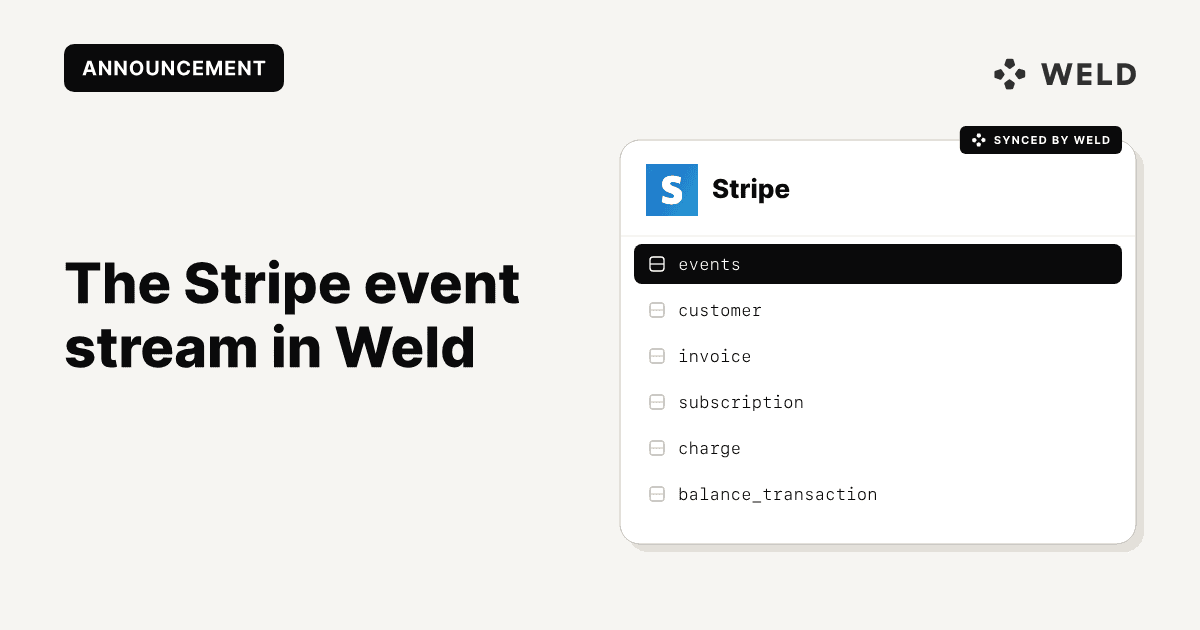
Weld now supports the Stripe event stream, giving you access to a detailed log of events from your Stripe account. This new table lets you track what changed, when it happened, and which object was affected, making it easier to analyze billing activity over time.
What’s included
Stripe generates an event every time something changes, from new charges and subscription updates to payment failures and invoice status changes.
The new events table in Weld includes:
- Event type (invoice.created, customer.updated)
- Timestamp of when the event occurred
- The object type involved (customer, payment_intent)
- The full payload of the object at that point in time
This gives you a full historical log of what happened in Stripe, not just the current state of objects, but how and when they changed.
What you can do with it
With this event stream, you can:
- Rebuild billing timelines for any customer
- Monitor failed payments, retries, and dunning flows
- Track upgrade/downgrade patterns across subscriptions
- Build custom event-based metrics or trigger logic based on specific actions
- Audit any change in your Stripe environment with full context
How to add it in Weld
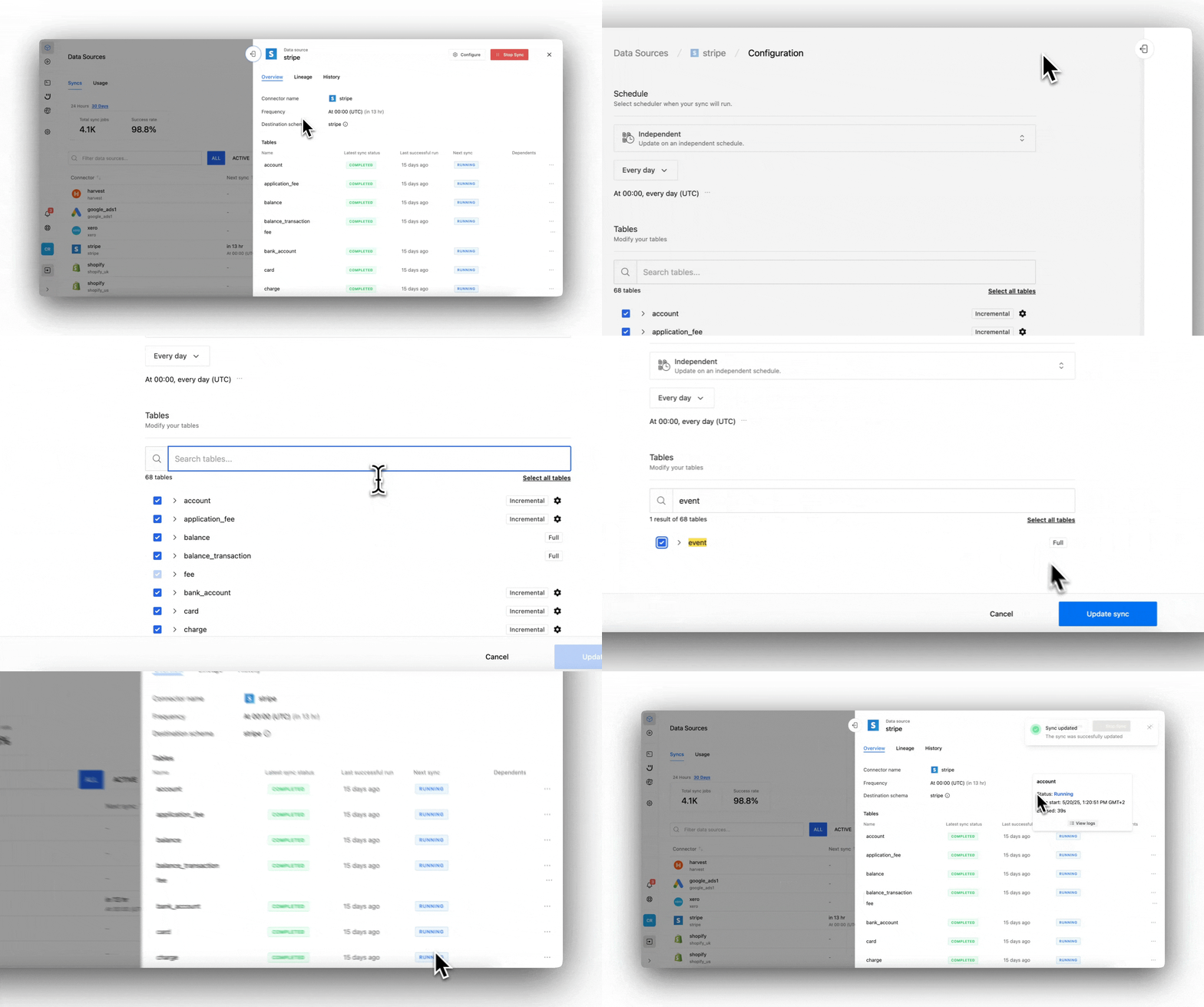
If you're already syncing Stripe in Weld, the event stream can be added as an additional table. Here’s how to enable it:
1. Go to Weld → Connectors → Stripe
Find your existing Stripe connector in the list of sources.
2. Click "Configure"
This opens the settings for your Stripe sync.
3. Under “Tables,” enable “Events”
You’ll see a list of available data types. Make sure “Events” is checked.
4. Save and run a sync
Once saved, Weld will start syncing the event stream as a new table in your warehouse.