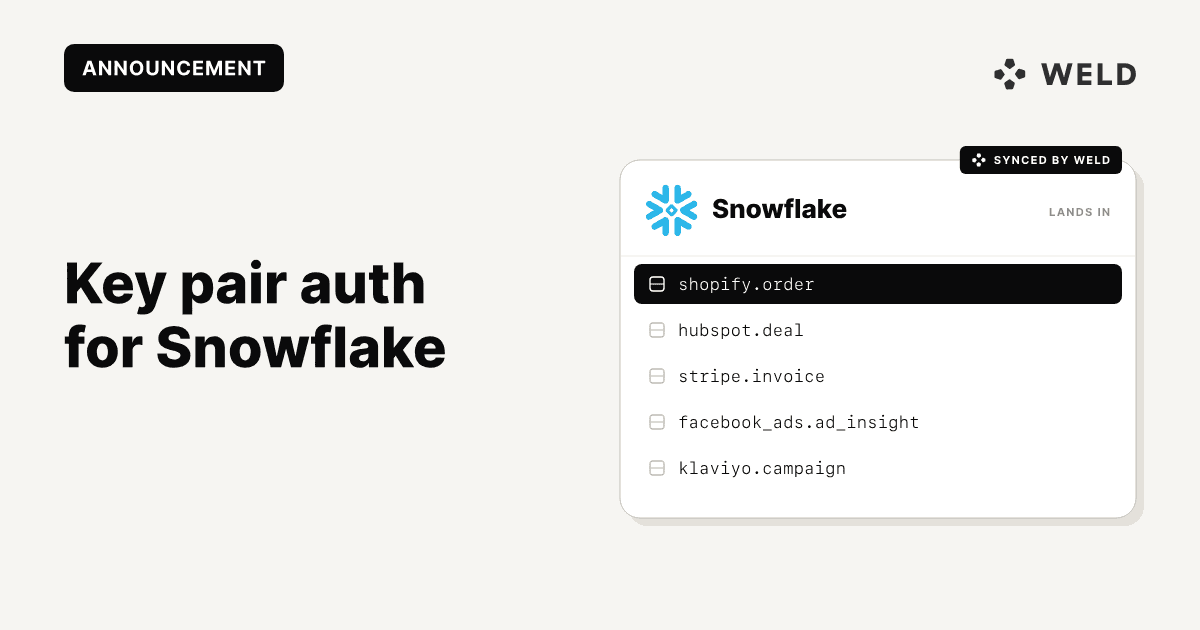
Key Pair Authentication for Snowflake Is Now Default in Weld
Snowflake has announced that by November 2025, it will block single-factor password authentication for all users, including integrations. This means that connections relying solely on a username and password, without multi-factor authentication, will no longer work. This is part of their broader move toward a Secure by Design framework, and it affects both human and service accounts.
To support this change, Weld now offers key pair authentication for Snowflake connections. While it's not the default method yet, we plan to make it the default in the near future, and eventually the only supported option in Weld. Existing users can update their configuration with just a few clicks.
What this means for you
If you're currently connecting to Snowflake in Weld using a username and password, you'll need to update your connection to use key pair authentication before the deadline.
Already have Snowflake connected in Weld?
Here’s how to update your credentials:
- Go to Settings → Data warehouse
- Select your Snowflake connection
- Toggle on Use key pair authentication
- Upload your private key and enter the passphrase (if needed)
- Save!
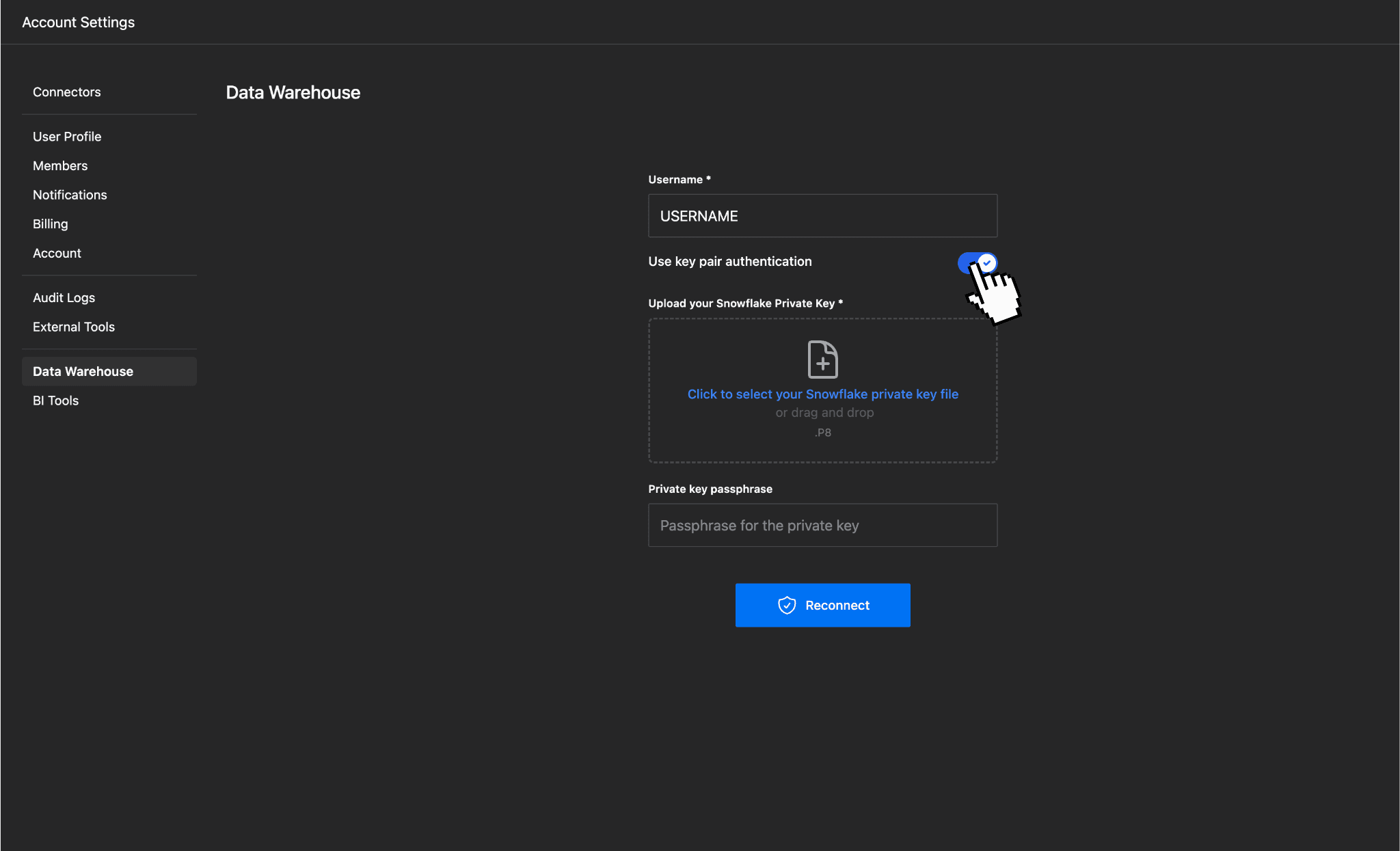
The change takes effect immediately, no need to reset syncs or pipelines.
New to Weld?
If you're setting up Snowflake for the first time, you’ll now see the option to use key pair authentication during setup, making it easy to future-proof your connection from day one. It’s not the default yet, but we recommend enabling it now to stay ahead.
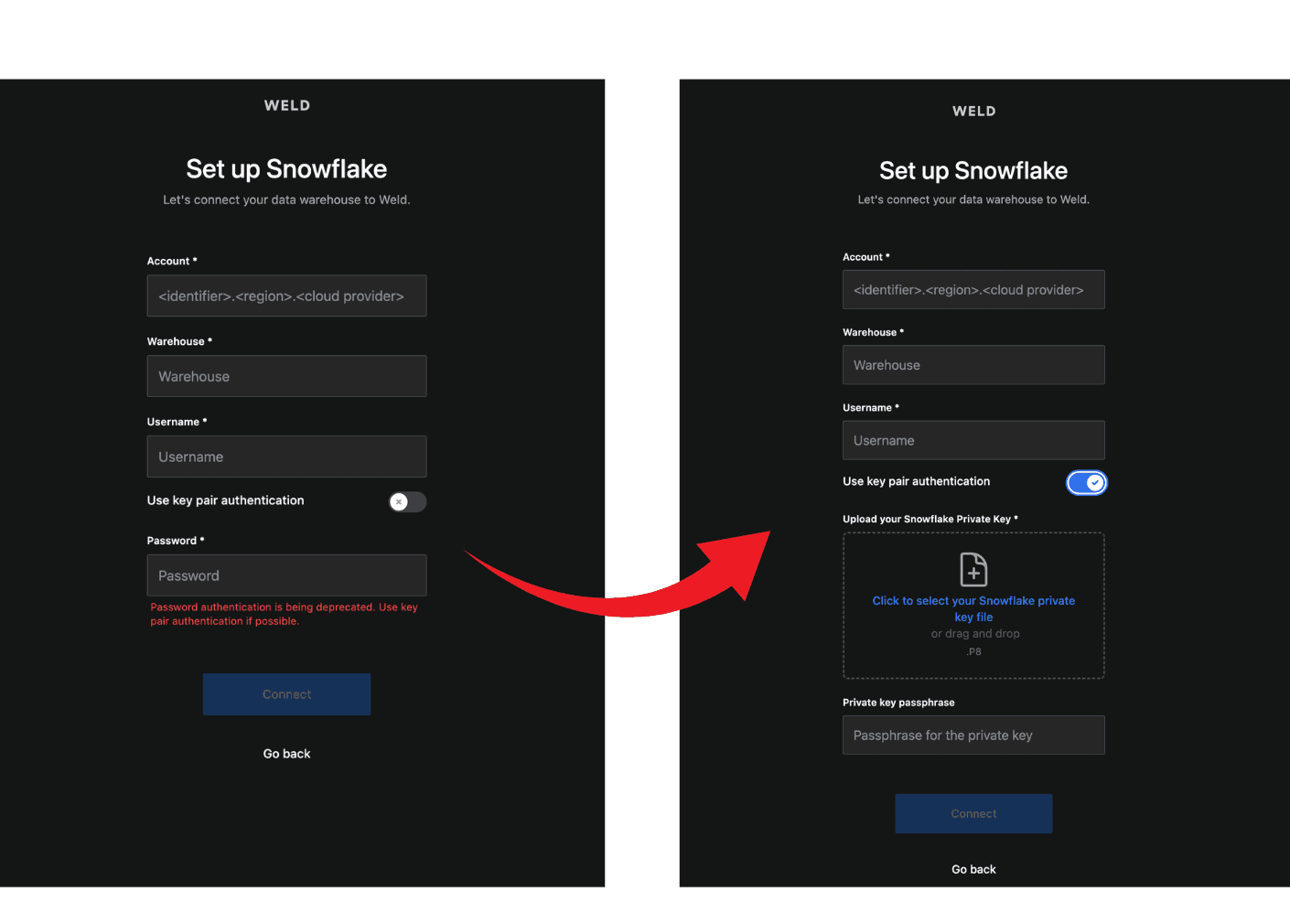
Why Key Pair Authentication?
Unlike passwords, key pair authentication uses a public/private key pair to establish a secure connection. It’s a more modern, robust alternative that offers:
- 🔒 Stronger protection against breaches
- 🔁 No password rotations or MFA interruptions
- ⚙️ Native support in Weld and Snowflake drivers
Weld + Snowflake
Weld supports Snowflake as both a source and a destination, so you can:
- Pull Snowflake data into Weld for modeling and transformation
- Sync enriched metrics back to Snowflake
- Build full-funnel pipelines — securely
And with built-in scheduling, monitoring, and alerting, your syncs stay on track.
Learn more about the Snowflake connector
Stay Compliant and Secure
Security shouldn't be a last-minute scramble. With this update, you can stay ahead of Snowflake’s deprecation timeline while strengthening your data stack.