
 Claude
 ChatGPT
 Perplexity
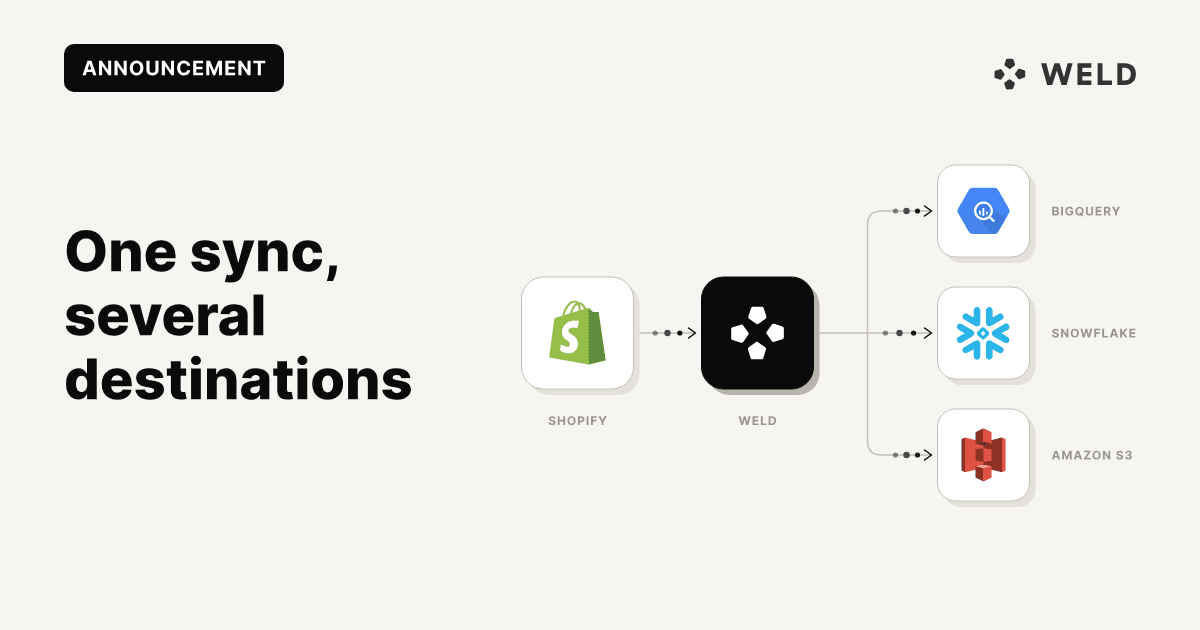
A Weld sync can now load into more than one place: the same Shopify, HubSpot or Postgres tables can land in your BigQuery warehouse and in as many other places as you need, such as a Snowflake database and an S3 bucket, from one sync.
Every sync used to load into your data warehouse and nowhere else. Getting the same tables into a second place meant a second sync against the same source, or a job copying tables between systems. With multi-destination syncs, Weld extracts the data once and loads it into the warehouse and every extra destination, and a run only completes when all of them have loaded, so they hold the same rows.
Where it fits
- A second warehouse for another team. Analytics runs on BigQuery, but a data science team or a client works in Snowflake.
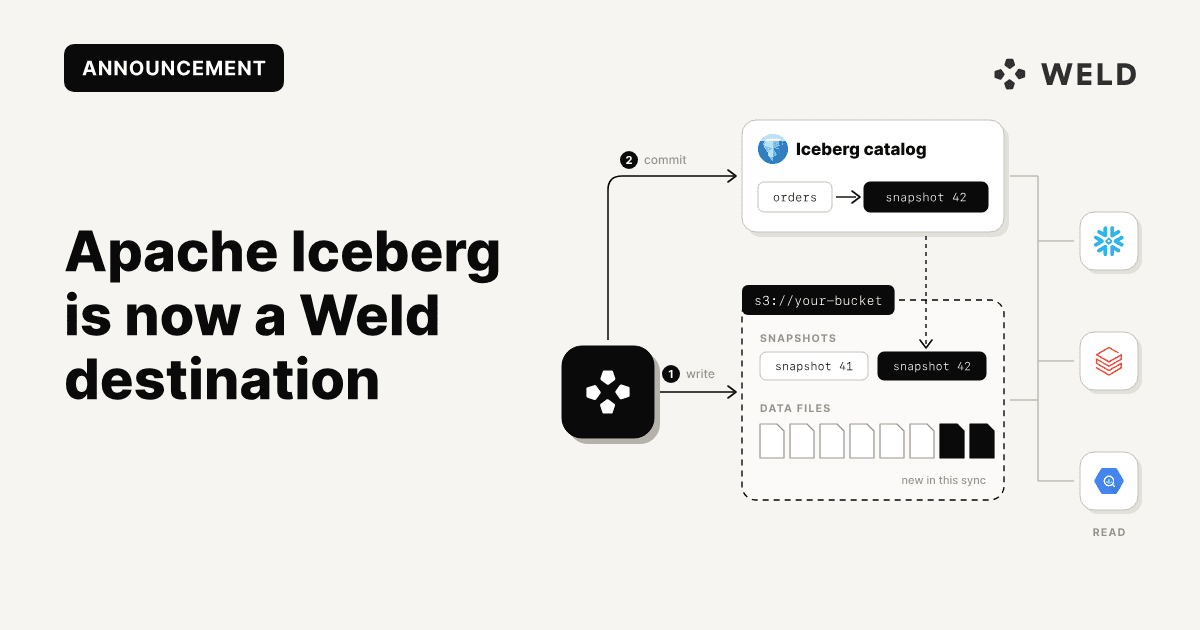
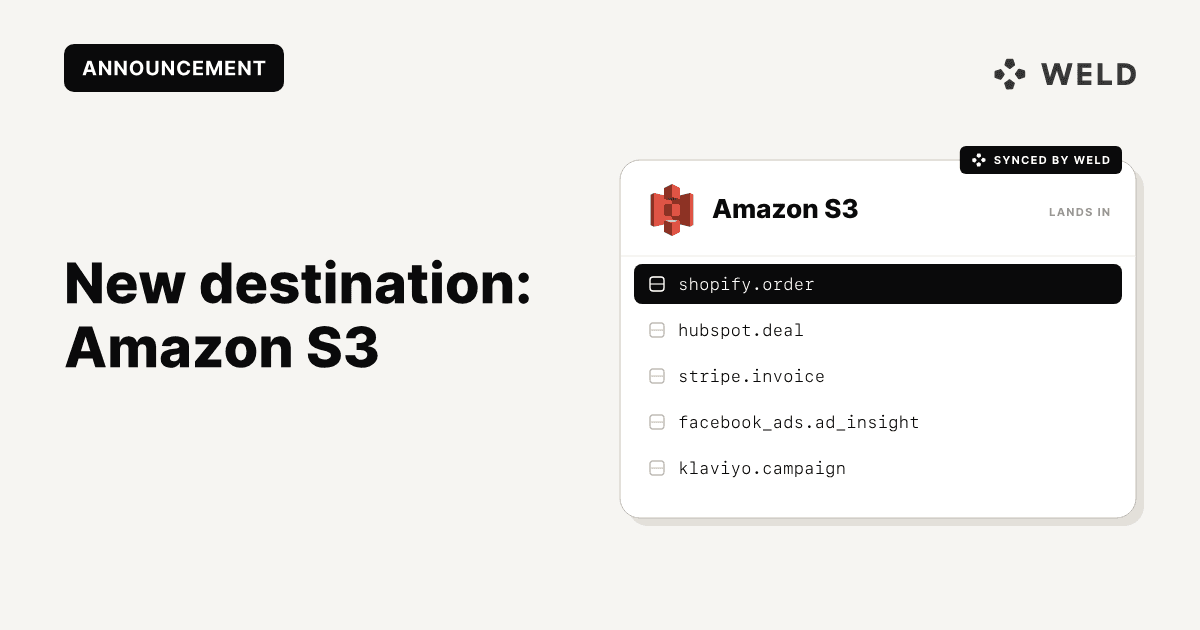
- A data lake next to the warehouse. Keep modelling in the warehouse and land the raw tables in S3 or Apache Iceberg as well.
- One database per business unit. One connection can back several destinations, for example one per Snowflake database.
Because the source is read once per run, extra destinations add no load on rate-limited APIs or on a production database, however many you add.
Add the destination in Settings
Open Settings > ELT Destinations and click Add ELT destination. Pick the connection, give the destination a label, and choose where the data lands. Tick Use for new syncs by default if every new sync should load into it.
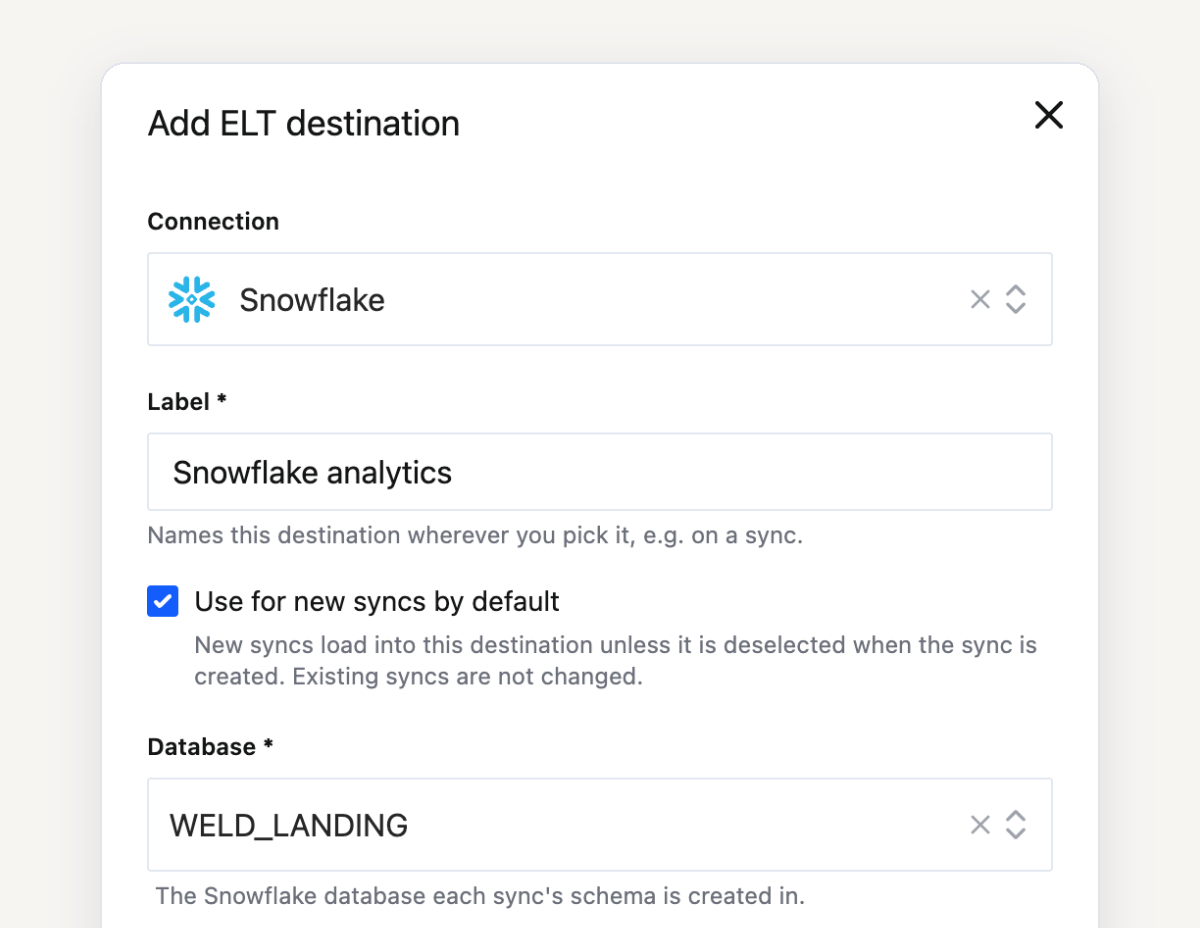
| Destination | Where the data lands |
|---|---|
| Snowflake | The database you pick, with a choice of uppercase identifiers |
| PostgreSQL, Redshift, Microsoft SQL Server, MotherDuck | The database you pick |
| BigQuery, ClickHouse, Databricks, Apache Iceberg, Amazon S3 | Under the sync's schema name |
Pick it when you create a sync
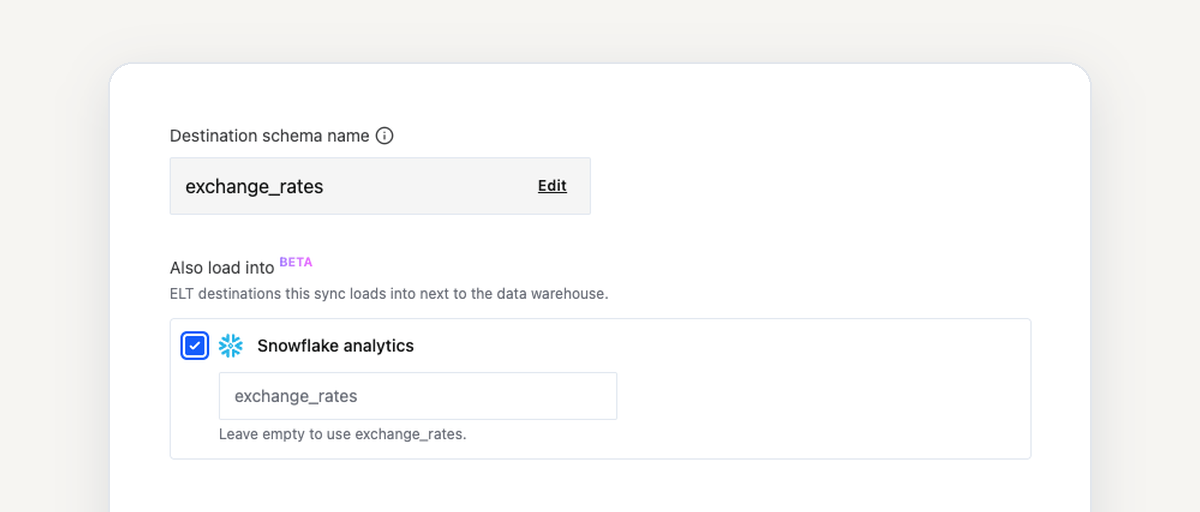
The sync settings step now has an Also load into list. Tick every destination this sync should load into, as many as you need, and set a schema name for each one or keep the suggested name.
Add it to a sync that already runs
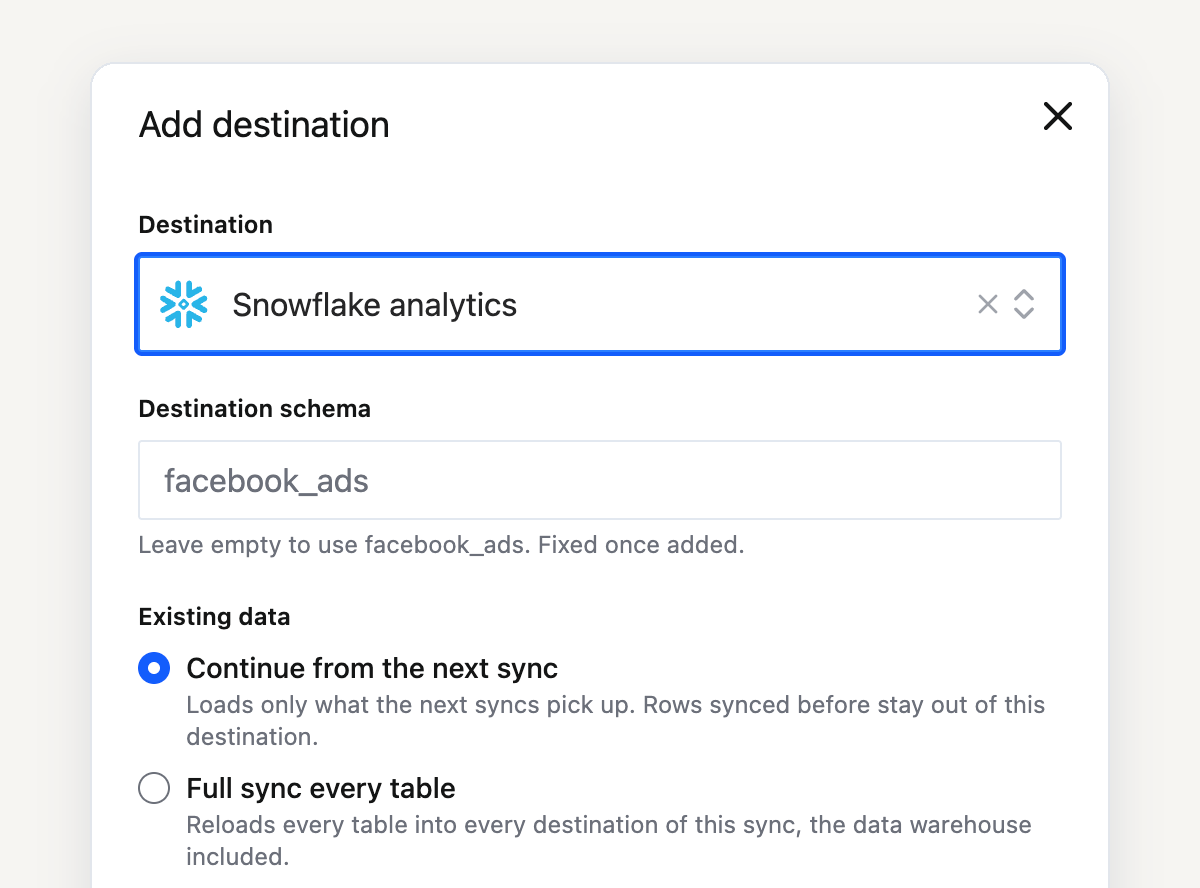
Open the sync, go to ELT destinations on its Overview tab and click Add destination. Then choose what happens to the data the sync already holds:
- Continue from the next sync loads only what the next runs pick up.
- Full sync every table reloads every table into every destination, the warehouse included. Syncs with change data capture tables can only continue from the next sync.
Removing a destination stops the sync loading into it from the next run. Tables already created there are not deleted.
Some table options stay in the warehouse
Capture deletes, history tables and change data capture deletes run in the data warehouse only. The tables still load into every destination, and Weld lists the affected tables before you add a destination.
Agents can set it up through the MCP server
ELT destinations are in the Weld Connect API and the MCP server. An agent can add a destination with add_elt_destination and put a sync into it with add_elt_sync_destination.
Available on Business and Enterprise
Multi-destination syncs come with the Business and Enterprise plans, and every free trial includes them.
Get started
If the same tables need to live in more than one place, add the destination once and tick it on the syncs that need it. The setup guide covers every option.
FAQ
Any connection Weld can load into as an ELT destination, apart from your data warehouse, which every sync already loads into. That includes Snowflake, BigQuery, PostgreSQL, Redshift, Microsoft SQL Server, MotherDuck, ClickHouse, Databricks, Apache Iceberg and Amazon S3.
You choose when you add it. Continue from the next sync loads only new runs. Full sync every table reloads everything into every destination. Syncs with change data capture tables can only continue from the next sync.
The Business and Enterprise plans, and every account during its free trial.