🚀 New Connector: Sync Feature Flag Data from LaunchDarkly to Your Warehouse
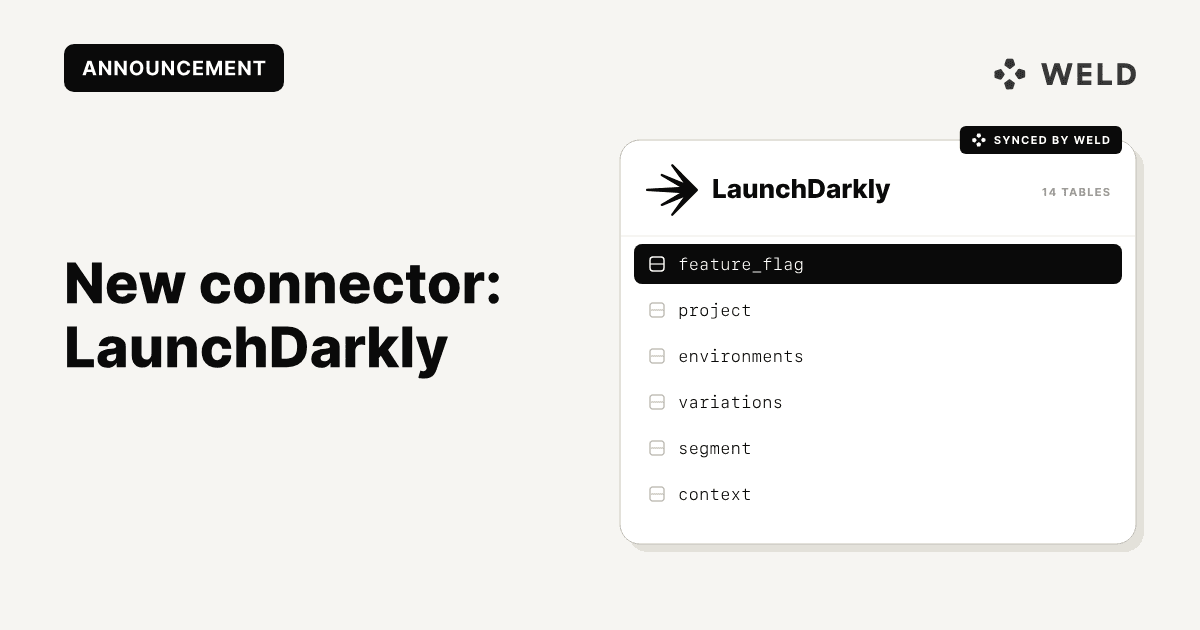
We’re excited to launch our newest connector: LaunchDarkly, the leading platform for feature flagging and experimentation.
With this integration, you can now sync feature flag data from LaunchDarkly directly into your data warehouse using Weld. This makes it easy to analyze feature usage, rollout progress, and experiment performance alongside the rest of your product and user data.
Why connect LaunchDarkly to your data warehouse?
LaunchDarkly helps teams decouple feature releases from code deployments. But getting that feature data into your analytics stack has often required custom engineering work.
With LaunchDarkly data in your warehouse, you can:
- Run analyses on feature adoption and performance
- Connect experiments to product outcomes
- Enable data-driven decision making across teams
🔌 Connector Capabilities
| Feature | Supported |
|---|---|
| Column Hashing | ✅ Field-level |
| Blocking | ✅ Field-level |
| Incremental Sync | ✅ |
| ReSync (full reload) | ✅ Table-level |
| Custom Data | ❌ |
| Historical Sync | ❌ |
| Templates | ❌ |
⚙️ How to Set It Up
Step 1 – Create Access Token in LaunchDarkly
Head to Settings → Authorization
Create a new Access Token with Reader permissions
Save the token, you won’t be able to view it again later.
Step 2 – Finalize Integration in Weld
In the Weld app:
- Name your connector
- Paste your access token
- Click Connect
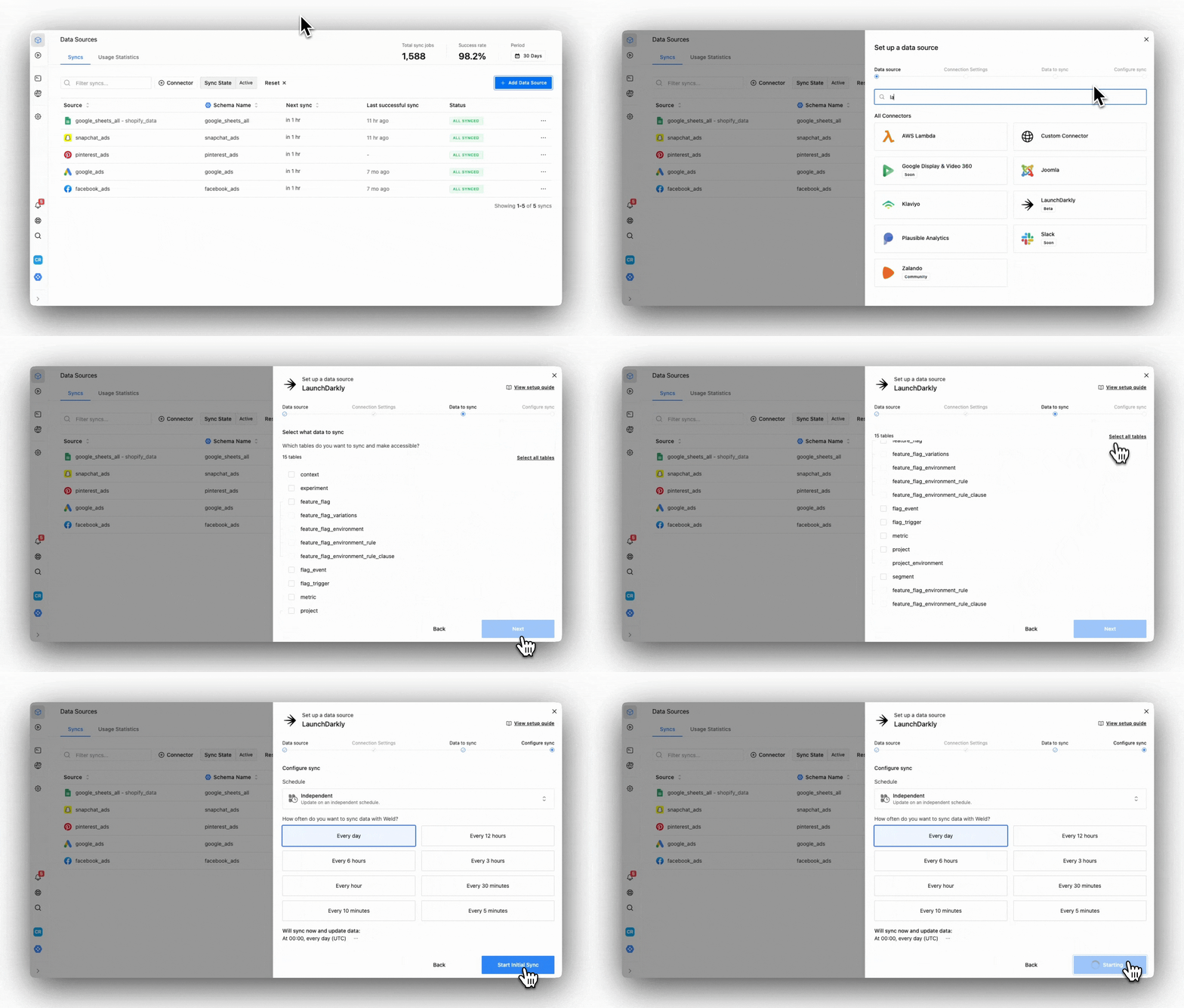
Step 3 – Select Your Data
Pick which tables you want to sync.
View schema, remove columns, or hash sensitive fields as needed.
Step 4 – Configure the Sync
Choose your sync frequency and define a destination table name.
Weld will handle the rest, automatically syncing your LaunchDarkly data on schedule.
📁 Available tables
When you connect LaunchDarkly to Weld, you'll have access to the following tables:
contextexperimentfeature_flagfeature_flag_variationsfeature_flag_environmentfeature_flag_environment_rulefeature_flag_environment_rule_clauseflag_eventflag_triggermetricprojectproject_environmentsegment
These tables give you granular visibility into your feature flag configurations, environments, experiment tracking, and more. Ideal for deeper analysis in your BI tool or data models.
Use Cases
- Track feature flag rollout progress across environments
- Analyze how feature exposure impacts usage, retention, or conversion
- Correlate experiment variants with customer outcomes
Ready to get started?
Set up the LaunchDarkly connector in Weld today! Read more in our docs.