
 Claude
 ChatGPT
 Perplexity
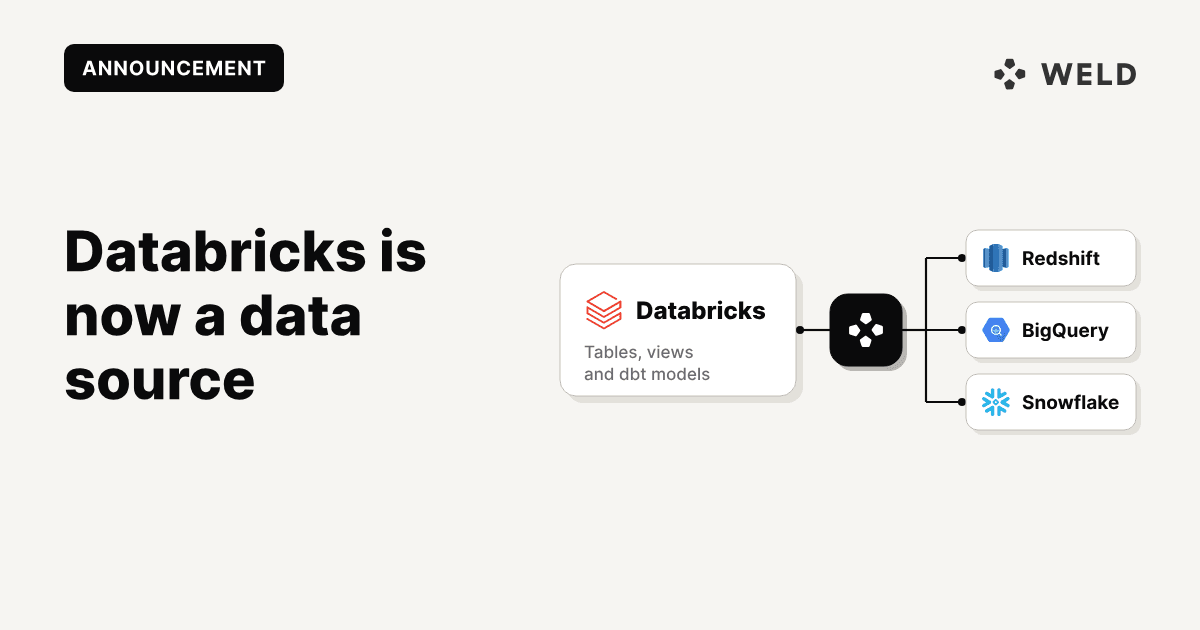
Weld can now read from Databricks: pick the Unity Catalog catalogs you want, and every table and view in them can sync into Redshift, BigQuery, Snowflake or any other destination Weld loads into.
Many companies run Databricks next to another warehouse: data science and engineering work in Databricks, while dashboards run on Snowflake, Redshift or BigQuery. Until now, Weld could only load data into Databricks, so getting tables back out meant building an export of your own. Now the same Databricks connection works both ways.

Common ways to use the Databricks source
- Report from your main warehouse. Sync the tables and dbt models your data team builds in Databricks into the warehouse your dashboards and BI tools already use.
- Combine Databricks with your other sources. Land Databricks tables next to your Salesforce, HubSpot or Stripe data and model them together in one place.
- Send model results to business tools. Sync scores and predictions built in Databricks, such as lead scores or churn risk, into your warehouse, and Weld's reverse ETL can send them on to Salesforce or HubSpot.
- Move off Databricks step by step. Keep tables in sync while reports and models move to another warehouse, one at a time.
Databricks tables and views sync to any destination
Add a Databricks connection, and Weld lists the catalogs its service principal can see. Pick the ones to sync from. Every table and view in them shows up as catalog.schema.table, so dbt models built as views sync like any other table.
Each table gets one of three sync modes:
- Incremental: pick a column that changes when a row does, such as
updated_at. Each run fetches only the rows added or changed since the last one. - Full: each run replaces the destination table, so deleted rows disappear too. This suits dbt models materialized as tables.
- Append only: new rows are added and never updated, which suits event and log tables.
Incremental sync doesn't remove rows deleted in Databricks. Use full sync for tables where rows get deleted.
Weld reads through a SQL warehouse you choose, and starts it if it is stopped. A serverless warehouse starts in seconds and stops itself when idle. The queries run on your warehouse, so Databricks bills that compute, and incremental syncs keep it small. Grants on a catalog also cover the schemas, tables and views created in it later, so new dbt models are ready to sync without another grant.
| Databricks type | Arrives as |
|---|---|
BIGINT | A string, with every digit kept |
DECIMAL | A double; cast wider values to STRING |
ARRAY, MAP, STRUCT, VARIANT | JSON strings |
TIMESTAMP, TIMESTAMP_NTZ, DATE | UTC timestamps |
Data lands in Databricks as files in a volume
As a destination, Weld writes every sync run as Avro files into a Unity Catalog volume you own, in a folder per table. From there you load the files into Delta tables with Auto Loader or COPY INTO, on your own schedule and with your own table design. One connection can be both the source and the destination: the volume is only needed for loading.
Iceberg tables on S3 suit a lakehouse spread over tools
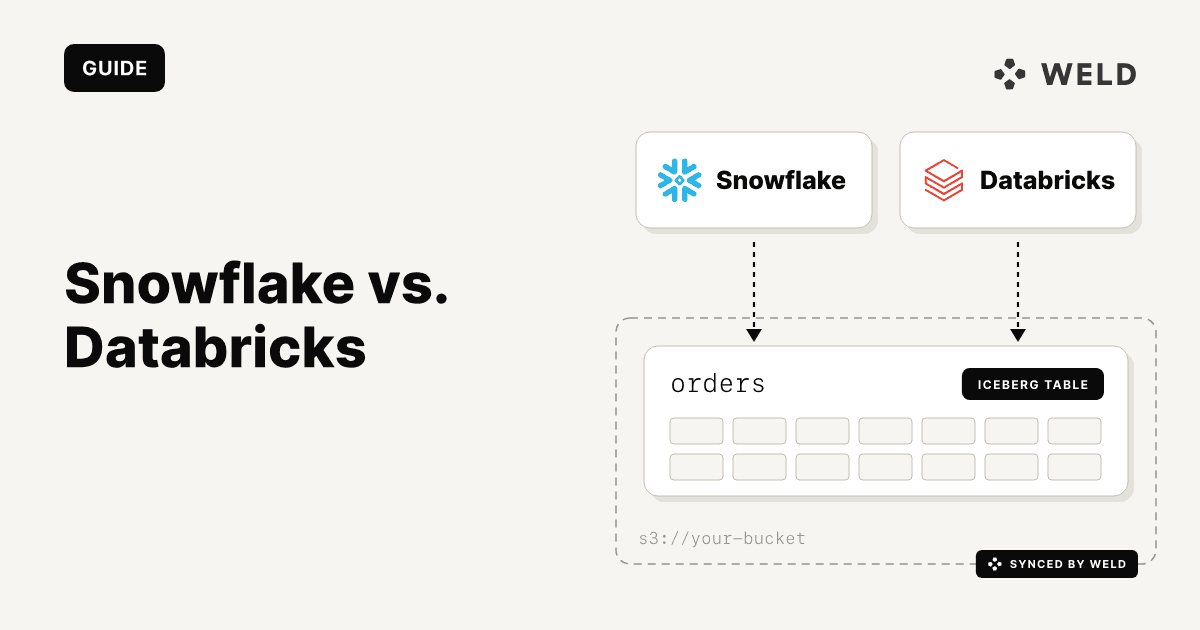
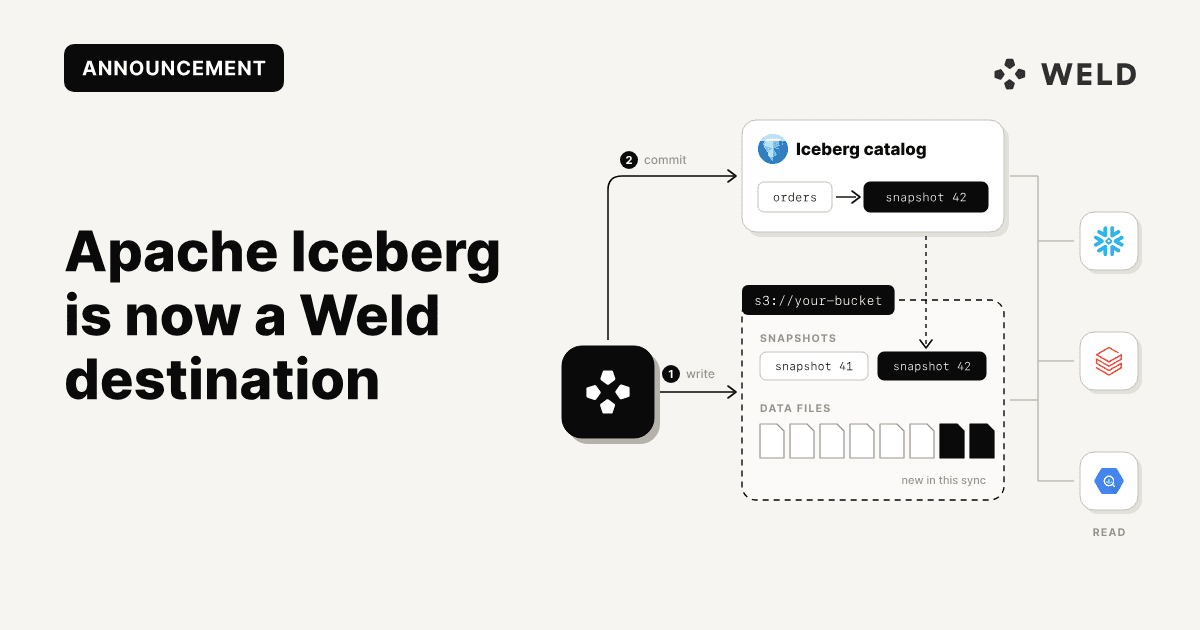
When Databricks is one of several engines reading the same data, the Apache Iceberg destination is often the better fit. Weld writes Iceberg tables to your own S3 bucket and registers them in AWS Glue, Amazon S3 Tables or an Iceberg REST catalog. Databricks can query Glue tables through Unity Catalog's catalog federation, and Snowflake, Athena or Trino read the same files, so no engine holds its own copy.
One sync can load into Databricks and your warehouse
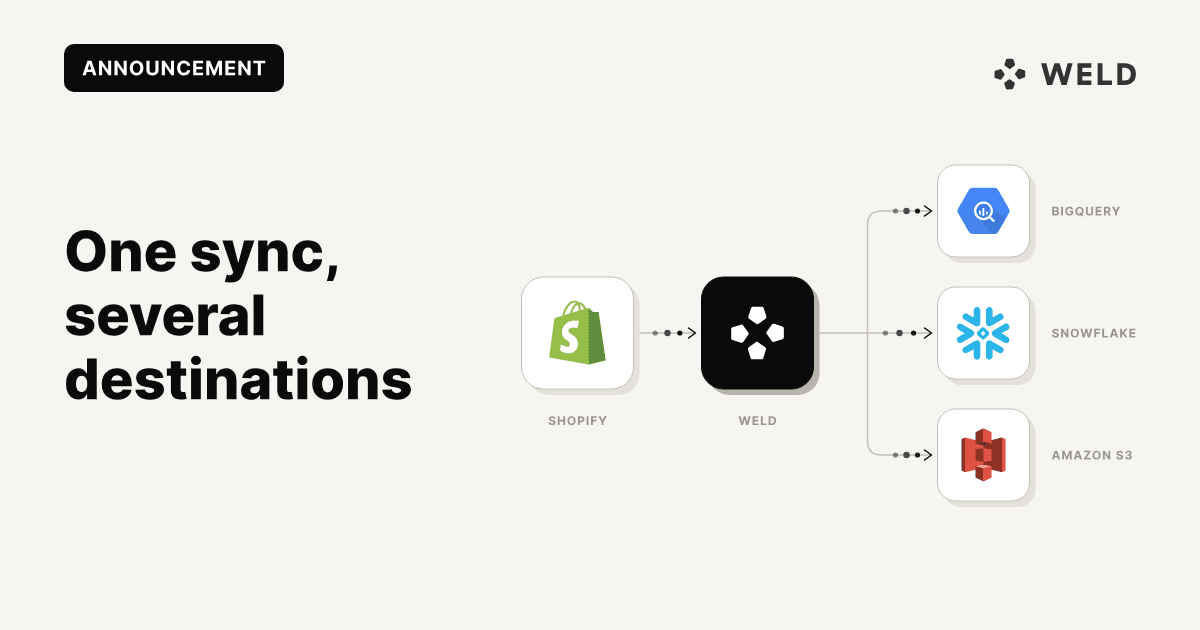
A common setup keeps the reporting warehouse, such as Snowflake, BigQuery or Redshift, and adds Databricks for data science. With multi-destination syncs, one sync extracts the source once and loads the same tables into the warehouse and every extra destination. A run only completes when all of them have loaded, so they hold the same rows. Multi-destination syncs come with the Business and Enterprise plans.
A synced copy suits data your reports query all day
Databricks can also give other tools access without a copy: Delta Sharing, Lakehouse Federation, or Redshift reading Unity Catalog tables through AWS Glue federation. Those suit occasional queries. A synced copy suits tables your dashboards hit all day: queries run at your warehouse's speed, under its permissions and on its compute, and it works for destinations that can't read Delta tables.
Weld handles the Databricks details
- One form per cloud. Pick Databricks on AWS, Azure or Google Cloud. If the hostname belongs to another cloud, Weld says which one to choose instead.
- A service principal, not a person. Weld signs in with OAuth machine-to-machine credentials, and needs only the Databricks SQL access entitlement, use of one warehouse, and the grants you choose.
- Exact keys.
BIGINTvalues keep every digit. ADECIMALprimary key with more than 15 digits stops the sync with a clear message, instead of merging rows that only differ after rounding. - Sensitive columns stay behind. Remove a column from the sync, or hash it so the destination never sees the raw value.
- Valid column names. Columns with spaces or symbols are renamed to names every destination accepts, and two columns never end up with the same name.
- Locked-down workspaces. If your workspace uses IP access lists, allow Weld's three fixed IP addresses. Private Link is coming soon.
Coming soon for Databricks
A few things the Databricks source doesn't do yet are coming soon:
- Deletes in incremental syncs, read from the table's change data feed, so you don't need a full sync to remove deleted rows.
- Private Link, for workspaces that only accept private traffic.
- Hive metastore tables, for catalogs not yet moved to Unity Catalog.
- Running your SQL models in Databricks, with Databricks as your Weld data warehouse.
Get started
If your models live in Databricks and your reports live somewhere else, connect Databricks once and sync the catalogs you need. The Databricks source comes with the Premium plan and up. The Databricks source guide walks through the service principal, the warehouse and the grants.
FAQ
Not yet. Weld reads tables and views governed by Unity Catalog, and tables in the legacy hive_metastore catalog are not listed. Hive metastore support is coming soon.
Yes. The same connection can sync tables out of Unity Catalog and load data into a Unity Catalog volume. The volume is only needed for the destination.
Databricks on AWS, Microsoft Azure and Google Cloud, each with its own connection form.