New in Weld: Use Auth Links to Let Customers Connect Their Data Sources Easily
If you’re an agency or service provider helping customers onboard to Weld, there’s now a faster, cleaner way to get them connected to their data sources.
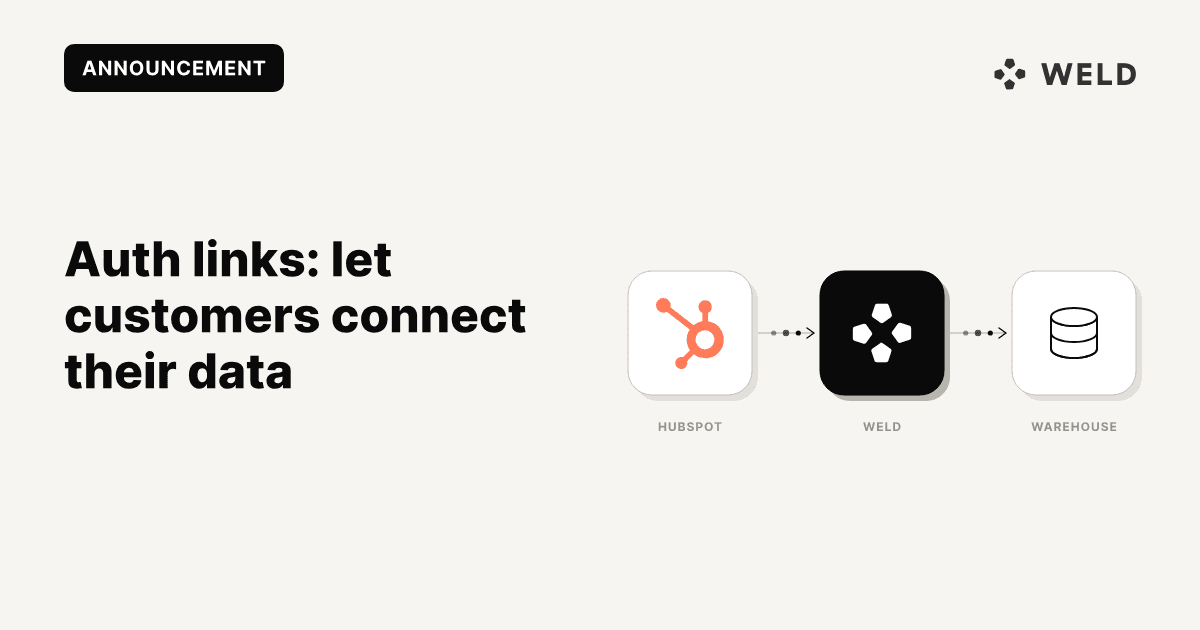
You can now generate secure external connection links (Auth Links) that let your customers authenticate their own data sources — like Facebook, HubSpot, or Google Ads — without needing to share credentials.
A faster, smoother connection flow
When you're setting up a new source on behalf of a customer, it’s often the authentication step that slows things down. You’ve probably run into situations where you:
- Wait for credentials
- Schedule screen shares
- Walk someone through the login flow manually
Auth Links remove all of that. You generate the link → they open it and authenticate → the source appears in your Weld workspace, ready to use.
It’s faster, more secure, and easier for everyone.
How it works
Here’s how to use the new Auth Link feature:
1. Go to the Weld app
Log in to your Weld account and head to the Data Sources page.
2. Select the data source you want to connect
Pick from all connectors like Facebook Ads, HubSpot, Stripe, or Google Ads.
3. Create the Authorization Link
Go to the Share Authorization Link tab and click Create Authorization Link. Weld will create a unique, secure URL that you can share with the person who has access to the required account or data source.
4. Share the link with your customer
Send the link directly to your customer. When they open it, they’ll be guided through the authentication process.
5. You’re done!
Once the customer completes the authentication, the data source will show up as connected in Weld — and you can begin syncing data as usual.
A smoother setup experience — for everyone
Auth Links were designed to:
- Speed up onboarding
- Improve data security by avoiding shared credentials
- Give customers control over what gets connected
This is especially useful for:
- Agencies managing data on behalf of clients
- Freelancers or consultants setting up accounts
- Teams working across multiple brands or regions
Available now
Auth Links are available now for business plans.