🚀 New Connector: Sync LinkedIn Company Pages Data to Your Warehouse
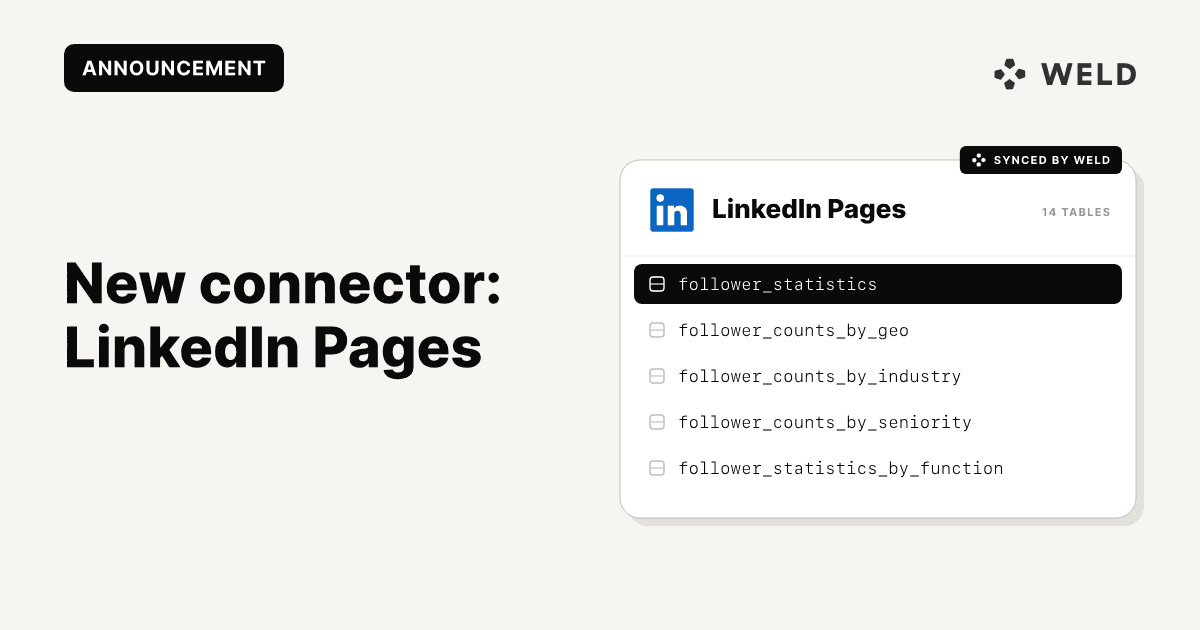
We’re excited to introduce our newest native integration: LinkedIn Company Pages. With Weld, you can now sync your LinkedIn performance data directly into your data warehouse, making it easy to analyze engagement, follower trends, and content performance in one place.
Why connect LinkedIn Company Pages to your warehouse?
LinkedIn Company Pages enable businesses to share updates, publish content, and connect with a professional audience. But until now, those insights have lived inside LinkedIn’s UI, disconnected from the rest of your marketing and analytics stack.
With Weld, you can:
- Track post performance over time: reach, likes, comments, shares
- Monitor follower growth and audience engagement
- Measure campaign effectiveness by joining with CRM or web data
- Build unified dashboards with organic and paid LinkedIn metrics
🔌 Connector Capabilities
| Feature | Supported |
|---|---|
| Column Hashing | ✅ Field-level |
| Blocking | ✅ Field-level |
| Incremental Sync | ✅ (on selected tables) |
| ReSync (full reload) | ✅ Table-level |
| Custom Data | ❌ |
| Historical Sync | ✅ |
| Templates | ❌ |
Incremental sync is supported on:
follower_statistics_time_boundshare_statistics_time_bound
⚙️ How to Set It Up
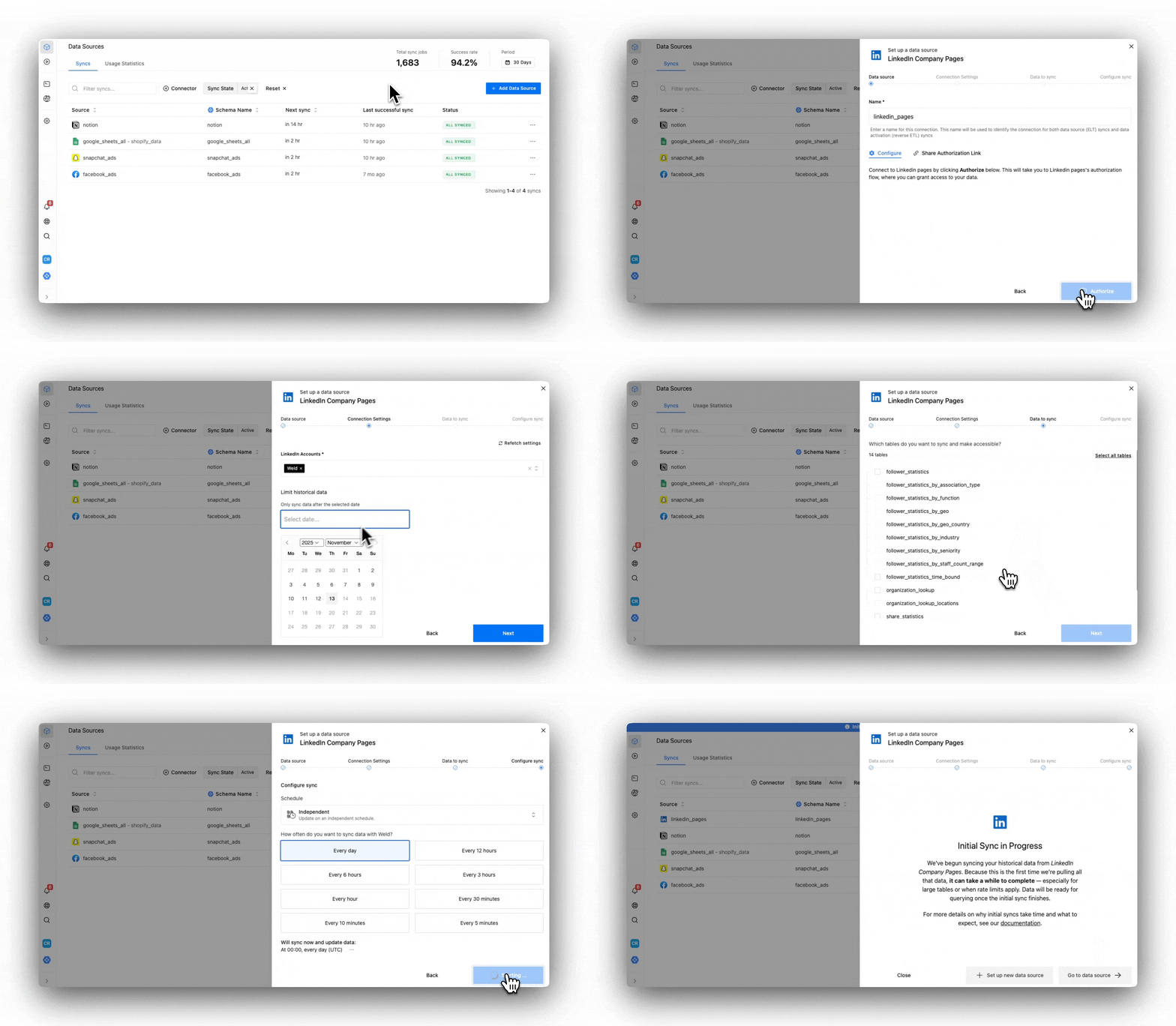
Step 1 – Begin Configuration
- Enter your destination schema name in Weld
- Click Authorize and log into your LinkedIn account
Step 2 – Approve and Finalize
- Grant Weld access to your LinkedIn Pages
- Select the account(s) you want to sync
- (Optional) Limit historical sync by choosing a start date
- You’ll be redirected back to Weld once auth is complete
Step 3 – Select Data to Sync
- Choose the pre-built reports you want
- View schema, hash sensitive fields, or remove columns
Step 4 – Configure Sync
- Set your desired sync frequency (hourly, daily, etc.)
- Weld handles the rest
📁 Available Tables
The connector provides access to a detailed LinkedIn Pages schema:
Follower Stats
follower_statisticsfollower_statistics_by_association_typefollower_statistics_by_functionfollower_statistics_by_geofollower_statistics_by_geo_countryfollower_statistics_by_industryfollower_statistics_by_seniorityfollower_statistics_by_staff_count_rangefollower_statistics_time_bound(incremental)
Page & Post Data
organization_lookuporganization_lookup_locationsshare_statisticsshare_statistics_time_bound(incremental)total_follower_count
This gives you deep visibility into your audience, post performance, and page growth — all in your warehouse.
Use Cases
- Analyze reach and engagement across post formats and topics
- Monitor follower trends and audience demographics over time
- Evaluate content performance across functions, industries, or regions
- Join with CRM to see how content impacts pipeline or revenue
- Build dashboards showing social performance across brands or business units
Get Started
The LinkedIn Company Pages connector is now available to all Weld users.