
 Claude
 ChatGPT
 Perplexity
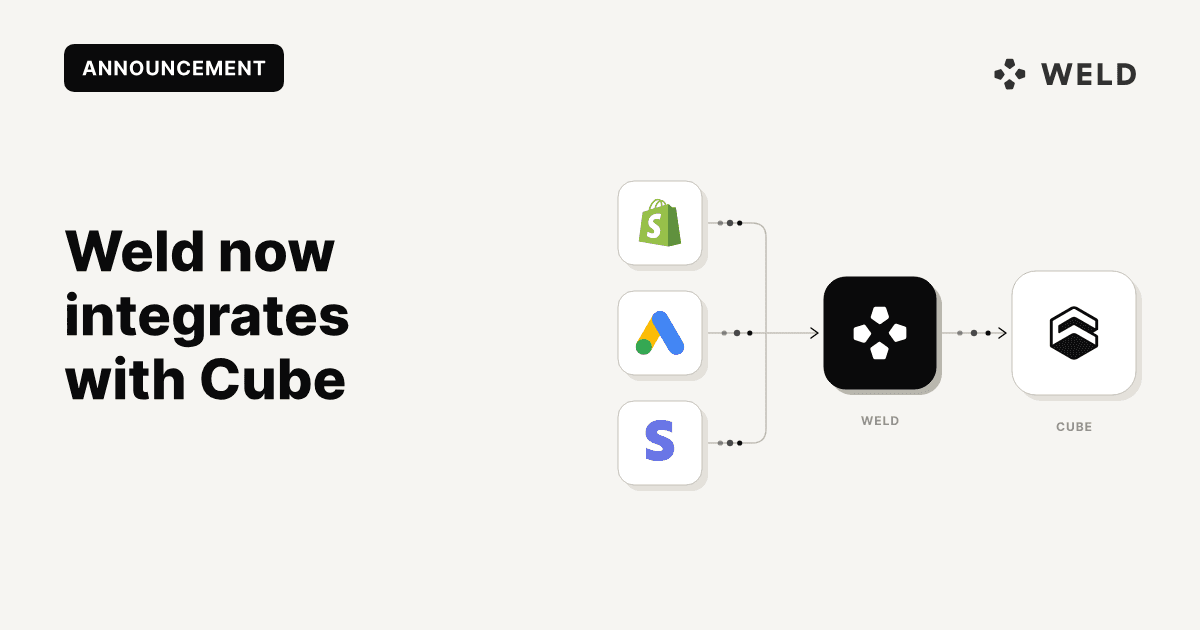
Weld now integrates with Cube: an orchestration can build your Cube pre-aggregations as soon as the syncs and models they read from have finished, and wait until Cube reports them built.
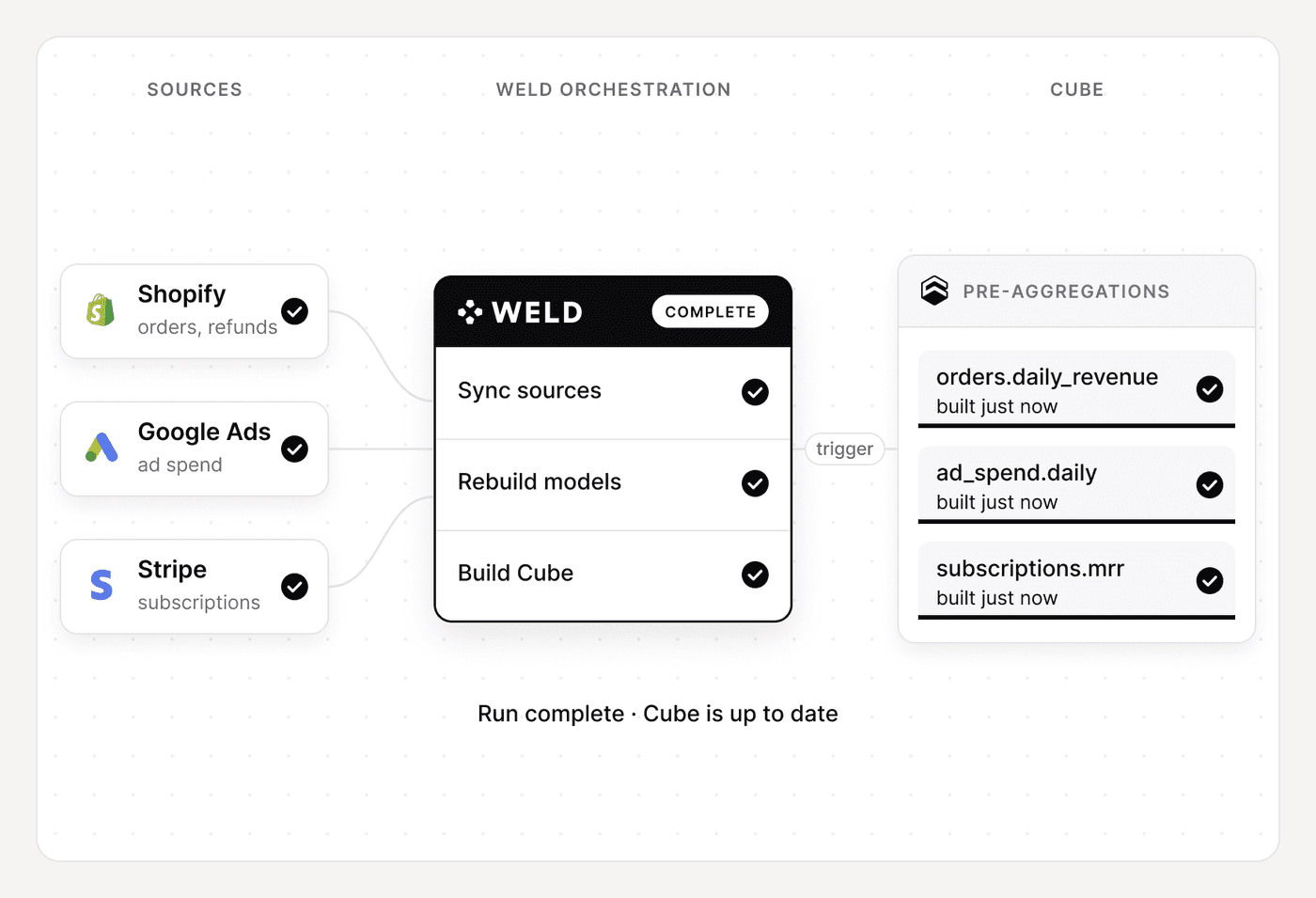
Pre-aggregations used to refresh on Cube's own schedule, apart from the pipelines that fill the warehouse underneath. When a sync ran late, a dashboard or an AI agent querying Cube could get numbers built from the previous load, and nothing in either tool said so. Now the build is a step in the same orchestration: Weld syncs the sources, rebuilds the models, then tells Cube to build, so the pre-aggregations you pick are never older than the run that just finished.
Connect Cube once
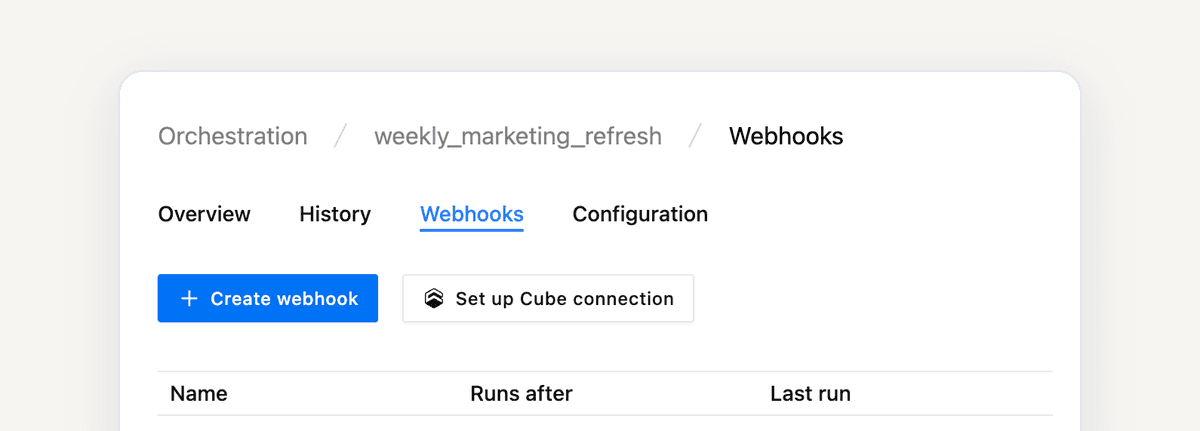
Open an orchestration, go to the Webhooks tab and click Set up Cube connection. A workspace has one Cube connection, so you set it up once and every orchestration's webhooks use it. Besides a name for the connection, it asks for two things:
- Cube API URL: the REST API URL of your Cube deployment, for example
https://your-deployment.cubecloudapp.dev. The/cubejs-api/v1suffix is optional. - API secret: the deployment's
CUBEJS_API_SECRET.
Weld signs a short-lived token with the secret for every request, so there is no token to paste or renew. The deployment needs jobs in CUBEJS_DEFAULT_API_SCOPES, because that is the API Weld uses to start and follow builds. If it is missing, the connection is refused with a message that names the setting, rather than saving and failing on the first run.
Choose what to build and when
Click Create webhook, pick Cube as the external system, and choose what to build:
- All pre-aggregations in the deployment
- every pre-aggregation of one cube
- a single pre-aggregation, such as
orders.daily_revenue
Under Select job(s) to run after, tick the jobs in the orchestration that must finish first. They can be data source syncs, models, reverse ETL syncs or another webhook, so a Cube build can also wait for a dbt Cloud job.
The orchestration waits for Cube
Weld starts the build and follows it until Cube has built every pre-aggregation you picked. If one of them fails, the webhook run fails, and a build still running after 60 minutes times out. The latest run shows next to each webhook on the Webhooks tab.
This matters more as agents read from the semantic layer. An agent can't tell a stale pre-aggregation from a fresh one, and it answers from whichever it gets. Building Cube in the orchestration keeps that answer in step with the warehouse.
Available with orchestration
The Cube integration is part of orchestration, which comes with the Premium, Business and Enterprise plans.
Get started
If you serve metrics from Cube, add the build to the orchestration that fills its tables. The Cube setup guide walks through each field.
FAQ
Any Cube deployment whose REST API Weld can reach, including Cube Cloud. You enter its REST API URL and its CUBEJS_API_SECRET, and the deployment needs jobs in CUBEJS_DEFAULT_API_SCOPES.
No. A Cube webhook can run after Weld syncs and Weld models alone. If you transform with dbt Cloud, make the Cube webhook run after the dbt Cloud webhook instead.
The webhook run is marked as failed, and the orchestration shows it on the Webhooks tab. A build that is still running after 60 minutes is marked as timed out.